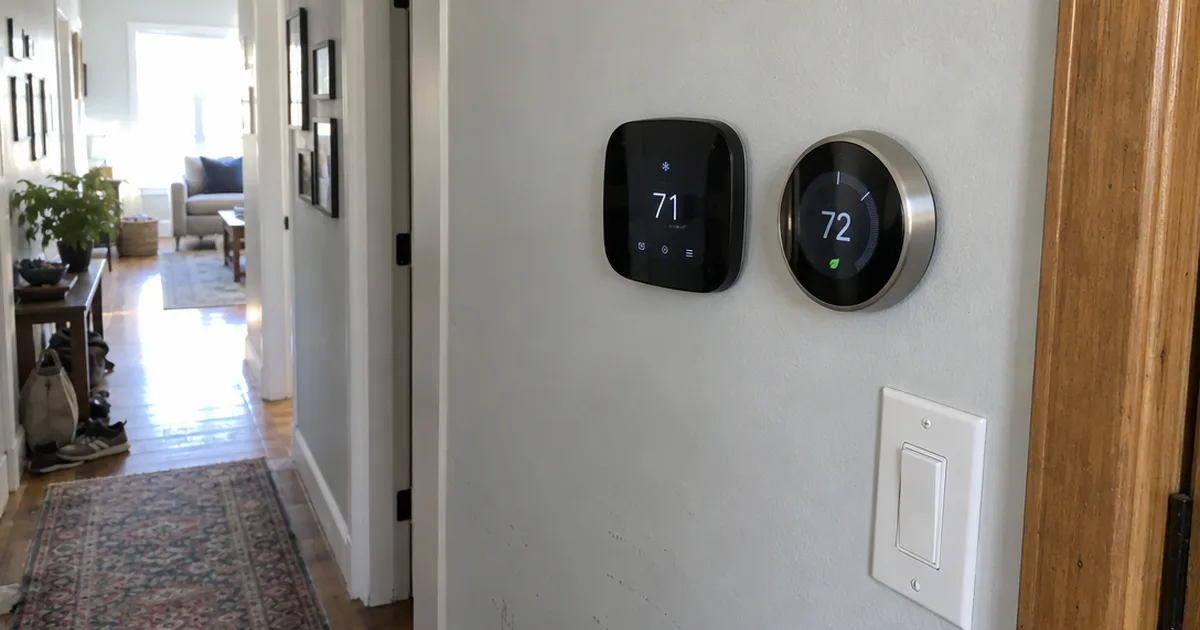
25,630 Amazon ratings average just 4.0 stars for this $80 thermostat.
Yet CNET scored it 8.6 out of 10 and named it best overall.
So which number should you trust in an Amazon smart thermostat review? The honest answer depends on your wiring, your Wi-Fi and how much of your home already runs on Amazon Alexa.
Here’s how I judged it: Amazon specs, ENERGY STAR guidance, and published test results from CNET and TechGearLab. We didn’t test this thermostat ourselves, so every result below comes from a named source.
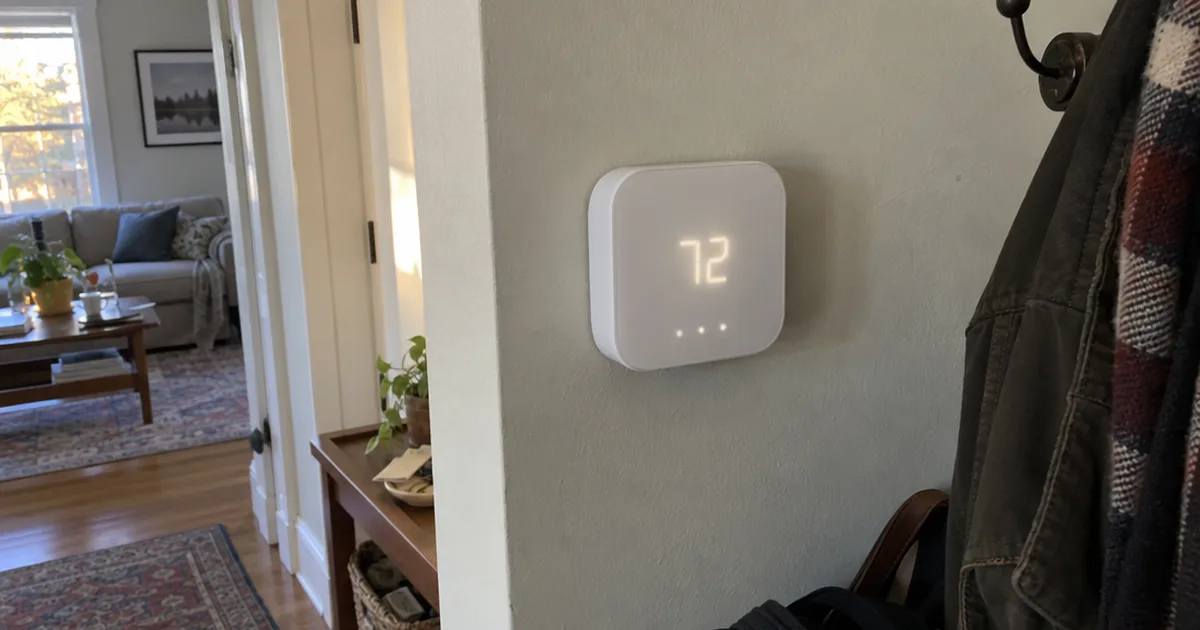
Amazon Smart Thermostat
A small Alexa-only smart thermostat built with Honeywell Home technology. It covers schedules, Hunches, remote control and energy reports, and it needs a C-wire or adapter.
Pros
- About $80 in 2024 reviews, often less on sale
- App-guided install scored 10.0 at TechGearLab
- Select Echo devices can act as temperature sensors
- Display read within 0.783°F in TechGearLab testing
Cons
- Needs a C-wire or a separately sold adapter
- No Google Home or Apple HomeKit support
- 2.4 GHz Wi-Fi only
- Buttons can't be locked
Key Specifications
| Spec | Detail |
|---|---|
| Model | S6ED3R, 1st generation (2021 release) |
| Price | About $80 (CNET, 2024) |
| Power | C-wire or power adapter kit, sold separately |
| System type | Most 24V HVAC systems |
| Not compatible | 110-240V systems such as electric baseboard heat |
| Wi-Fi | 2.4 GHz only, 802.11 b/g/n |
| Controls | Alexa app, Ring app, voice, 3 touch buttons |
| Voice | Needs an Echo or the Alexa app; no microphone built in |
| Standby power | 0.89 watts |
| Size | 3.56 x 3.56 x 0.84 in |
| Weight | 3.86 oz |
| Certification | ENERGY STAR |
| Warranty | 1-year limited |
Is the Amazon Smart Thermostat Worth It?
The Amazon Smart Thermostat is worth it if you use Alexa and your home has a C-wire, because about $80 buys features CNET says normally cost $200 or more. It’s a poor buy for Google Home or Apple Home users.
That price gap is the whole pitch.
CNET, in a review updated September 16, 2024, sorted smart thermostats into 2 tiers. Feature-rich learning models cost $150 or more, and simpler ones cost $100 or less.
This one sits in the cheap tier with many of the features from the expensive one.
TechGearLab landed in a similar place, with 79 points and a rank of #5 of 12 in its July 2024 review. Its scores show where the money went:
- DIY Installation: 10.0
- Scheduling: 8.5
- Smart Capabilities: 7.0
- Ease of Use: 6.8
- Energy Saving: 5.5
So you’re paying less for a thermostat that installs and schedules well, not one that feels great to use on the wall.
That trade makes sense for a lot of budget-minded consumers. If this is your first device and you’re still planning a wider smart home automation setup, a low-cost thermostat is also an easy way to learn what you like.
Who Should Buy the Amazon Smart Thermostat?
The Amazon Smart Thermostat suits Alexa households with a 24V system, a working 2.4 GHz network and simple daily routines. It’s a weak fit if you want a rich screen or use any other smart home platform, where other home automation devices suit better.
Here’s a quick way to check yourself:
- Buy it if you own an Echo or use the Alexa app every day.
- Buy it if you want remote control and schedules for the least money.
- Skip it if your home runs on Google Home or Apple Home.
- Skip it if you have electric baseboard heat.
- Skip it if small kids love pressing buttons, because TechGearLab lists it as unable to lock.
And if you’re new to Alexa? The system runs far more than a thermostat, so read up on the Alexa smart home system before you commit.
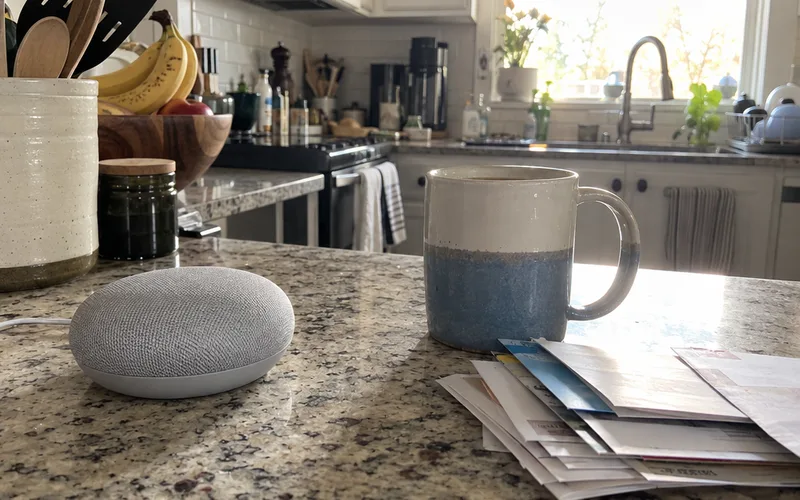
The takeaway is simple: buy this for the platform you already live in.
How Much Does the Amazon Smart Thermostat Cost?
The Amazon Smart Thermostat cost about $80 in 2024, according to both CNET and TechGearLab, and CNET adds that it’s often on sale for less. Budget about $101 if you also need the adapter.
CNET priced a Honeywell Home adapter at about $21 on its own, so the thermostat and adapter bundle came to about $101.
Those are 2024 prices, so check the live price on the product page before you buy.
Rebates can cut that further, and the Amazon listing says Amazon emails the details after purchase. ENERGY STAR says certified models are designed to work with programs some local utilities offer.
Here’s the last cost to know about. Alexa+ is free with Prime and $19.99 a month otherwise, per the Amazon listing, but nothing in the listing says the thermostat requires it.
If you’d rather hire out the job, labor is a separate bill, so price your smart thermostat installation cost before you decide.
Does the Amazon Smart Thermostat Need a C-Wire?
Yes, the Amazon Smart Thermostat needs a C-wire or a power adapter kit sold separately, according to the Amazon listing. Nothing in the box replaces it, and CNET confirms no adapter is included.
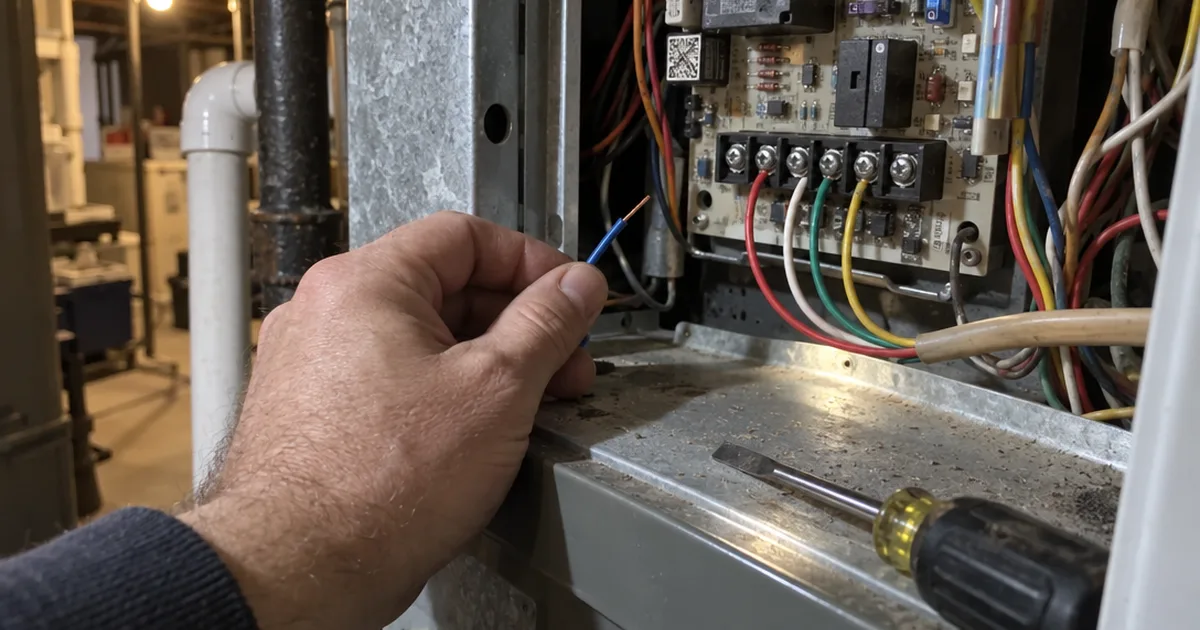
A C-wire is the common wire that feeds steady low-voltage power to a thermostat. If you’ve never seen the term, the thermostat C wire is easy to spot once you know what to look for.
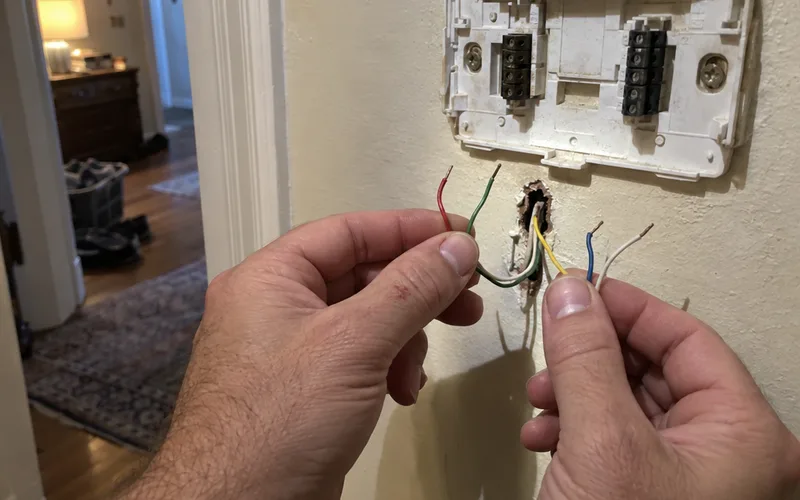
The listing says most homes have a C-wire. Then it adds a warning: you’d likely need an adapter with an older HVAC system or when upgrading from a normal thermostat.
So don’t assume. Pull your old thermostat cover, with the power off, and look at what’s connected.
If you need an adapter, the price is small: CNET put one at about $21 in 2024.
No C-wire doesn’t kill the idea. You’ve got a few ways to power a thermostat, and an adapter usually lands at the furnace, where you’ll need to know which terminal takes the C wire.
Note: Turn off power to your HVAC system before you touch any wiring. If you see anything other than thin low-voltage wire, stop and call an HVAC technician.
Will It Work With Your HVAC System?
The Amazon Smart Thermostat works with most 24V HVAC systems, and the Amazon listing names conventional forced air, heat pump and radiant boiler. It doesn’t work with 110-240V systems like electric baseboard heat.
That voltage line is the first thing to check, because it’s the one thing no adapter fixes.
Does it work with a heat pump? Yes, the listing names heat pumps as compatible, and the app adds an emergency heat mode.
But “most” isn’t “all,” so run your setup through the “check compatibility” link on the product page before you buy.
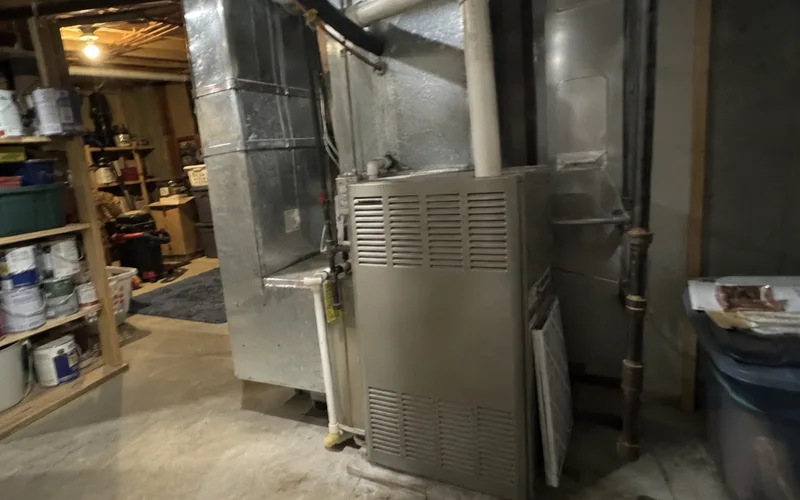
Amazon recommends that step for every home, and it’s free. It also tells you whether you need the adapter, which saves a return trip.
How Hard Is the Amazon Smart Thermostat to Install?
The Amazon Smart Thermostat is one of the easier smart thermostats to install yourself, and TechGearLab gave it 10.0 for DIY Installation. The Alexa app walks you through every step with short video clips.
TechGearLab also liked the push-in wire terminals, which it prefers to screw-in ones. And its guidance called out a step many people skip: take a photo of the old wiring first.
Here’s the basic job:
- Turn off the HVAC system.
- Photograph the wiring and disconnect the old thermostat.
- Connect the wires to the new backplate.
- Mount it, attach the thermostat and turn the power back on.
- Finish setup in the Alexa app.
The box holds the thermostat, an installation tool, a wall plate, a cosmetic plate and a quick start guide. You may also need a power drill, a 3/16-inch drill bit and a level, per the Amazon listing.
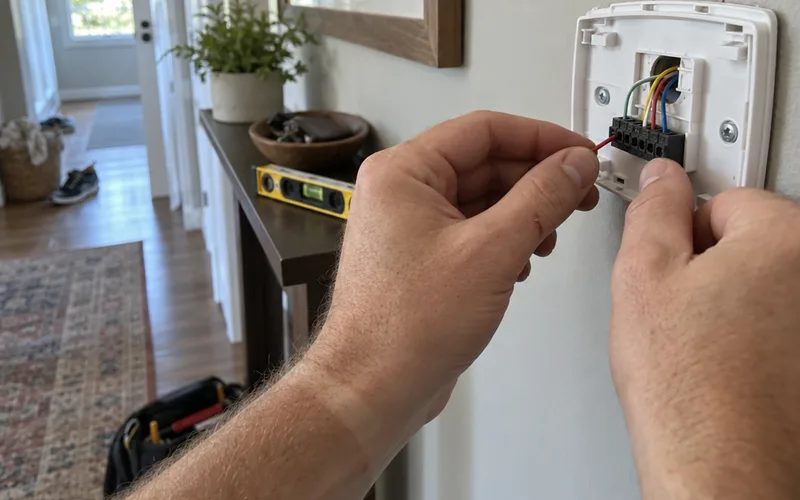
Wi-Fi is the easy part. You connect through the Alexa app, and CNET says that took no more than a minute or 2.
The one rule: your network must offer 2.4 GHz, since the thermostat doesn’t support 5 GHz. So confirm your router settings before you start the Amazon thermostat installation.
Does the Amazon Smart Thermostat Learn Your Schedule?
The Amazon Smart Thermostat learns through Alexa Hunches, not by building its own schedule. If Alexa has a hunch nobody is home or everyone is asleep, it can adjust the temperature automatically, according to the Amazon listing.
How does Alexa decide? The listing says your phone leaving your home area, plus nobody interacting with Alexa for a while, can trigger the “away” hunch.
This kind of automation works better than you’d guess. CNET watched Alexa spot a grocery run to a store just half a mile away.
You can also skip the guessing and take direct temperature control. Say “Alexa, goodnight” or “Alexa, I’m leaving,” and you’ve told it directly.

Prefer a fixed plan? You can build Home, Away and Sleep schedules with up to 7 time periods a day, per the listing.
TechGearLab still found that limited for odd cases, like one work-from-home day a week.
All scheduling happens in the app, not on the thermostat. So if nobody in your house opens the Alexa app, Hunches will do more for you than a schedule will.
Does the Amazon Smart Thermostat Work With Room Sensors?
Yes, the Amazon Smart Thermostat can read room temperature from select Echo devices or the Amazon Smart Air Quality Monitor, the Amazon listing says. There’s no dedicated remote sensor in the box.
That’s a change worth knowing, because older write-ups simply say “no remote sensors.” The current listing describes comfort zones that adjust heating and cooling based on temperature readings or presence detection.
CNET saw the same thing in 2024, noting that some Echo Dots can work as extra temperature sensors.
Which models count? The listing says “select” devices without naming them, so confirm yours in the Alexa app before you buy anything new.

The takeaway: if you already own a compatible Echo, you get room sensing for no extra cost. If you don’t, price one in before you compare thermostats.
Does It Work With Google Home or Apple HomeKit?
No, the Amazon Smart Thermostat doesn’t work with Google Home or Apple HomeKit, CNET confirms, and TechGearLab lists Amazon Alexa as its only ecosystem. That rules out Google Assistant and Siri voice control too.
This is the biggest deal-breaker for many homes, because your thermostat stays inside the Alexa ecosystem.
The mobile app situation is better than the platform one. You can use the Alexa app or the Ring app, and both work when you’re away from home.
Voice control has its own catch: the thermostat has no speaker or microphone. So you’ll need an Echo or the Alexa app, and only one Alexa account can connect, per the Amazon listing.
If you’re committed to Apple Home, look for a thermostat built for HomeKit instead.
What Is the Amazon Smart Thermostat Like to Use?
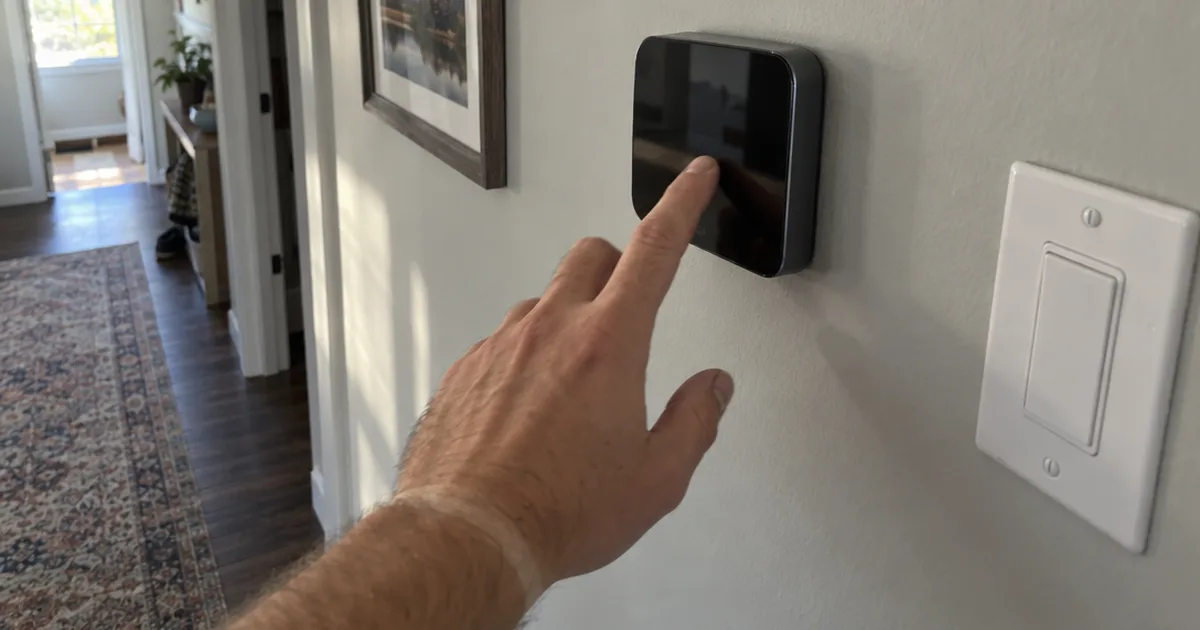
The Amazon Smart Thermostat is easy to run from the app and only okay on the wall, and TechGearLab scored its Ease of Use at 6.8. The 3 touch buttons handle temperature up, temperature down and mode.
The design is plain: a small white square with an LED display, and it weighs just 3.86 oz. There’s no touch screen, and CNET says you give up the kind of screen found on the Sensi Touch 2.
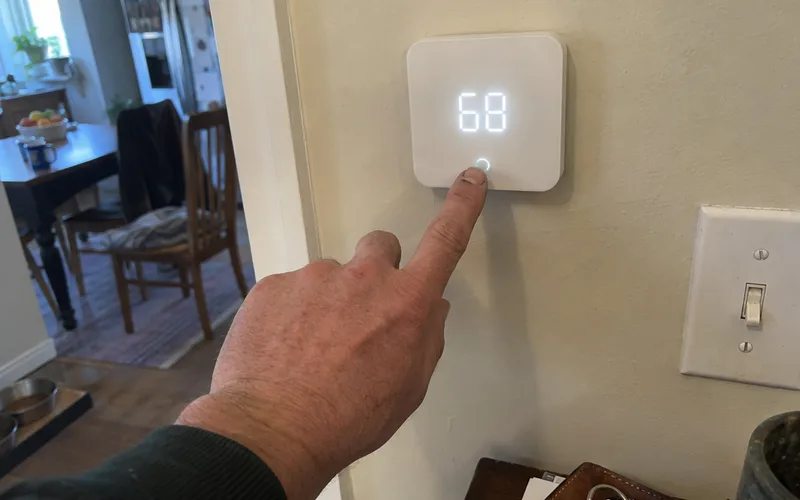
TechGearLab found cycling through modes on the device a bit cumbersome compared with the app. You also can’t see the set and current temperatures at once, because you have to press a button for that.
The display dims on standby, which can make it hard to read at a distance. Even so, TechGearLab could still see the temperature from 12 feet away, and brightness adjusts from 1 to 5.
Now the good news: accuracy. TechGearLab measured the display within 0.783°F of its data logging thermometer, among the most accurate in its lineup.
The fan offers Auto, On and Circulate, but no timers or minimum run times. That’s fine for most homes, and the app handles what the wall can’t.
The app also adds some useful extras: indoor humidity sensing, vacation mode and an Energy Dashboard. Automatic air filter ordering is there too, and TechGearLab says it can alert you first if the cost jumps more than 10%.
One small gripe from CNET: some in-app hints seem built to sell you things. Ignore those and the app does its job.
How Much Money Does the Amazon Smart Thermostat Save?
The Amazon Smart Thermostat can save about $50 to $90 a year, and both figures sit on the Amazon listing. The $50 is an EPA estimate for ENERGY STAR certified thermostats, and the $90 comes from an Amazon study.
So treat $50 as the safer planning number, since Amazon ran the study behind the bigger one.
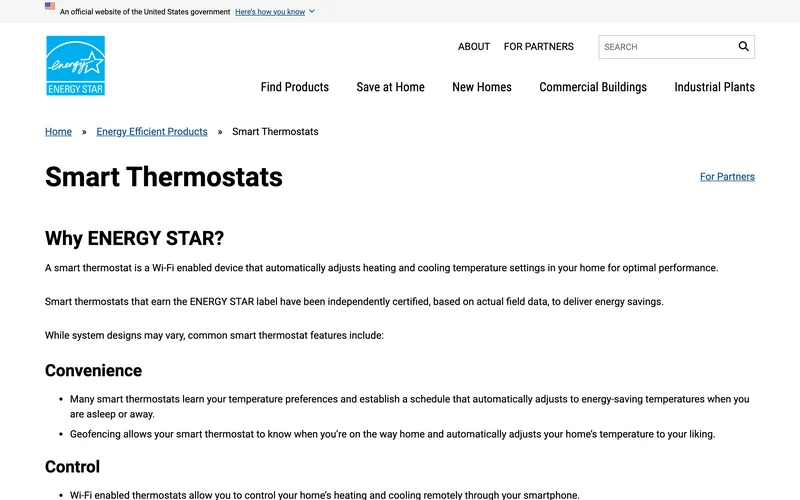
ENERGY STAR says certified models are independently certified on actual field data. It also puts heating and cooling at almost half the average home energy bill, more than $900 a year.
Say you save the $50. At $80, the thermostat pays for itself in about 19 months, before any rebate.
But savings aren’t automatic. CNET makes this point well: a smart thermostat won’t save you money unless your behavior changes with it.
Here’s what helps. TechGearLab says an Eco icon appears when heat is set below 68°F or cooling above 75°F, so you can use it as a daily target.
The Energy Dashboard gives you a history of your HVAC energy use, and CNET suggests better home insulation may be your next step. Some local programs, often called virtual power plants, also offer energy credits if you let your utility adjust the thermostat when demand runs high.
The Amazon listing adds one more option: Alexa can trim usage when your electricity is less clean, and you can override it anytime.
TechGearLab still gave it just 5.5 for Energy Saving, so don’t buy it for savings alone. Standby draw is 0.89 watts, per the Amazon listing.
What Are Common Problems With the Amazon Smart Thermostat?
The most common Amazon Smart Thermostat problems trace back to power and Wi-Fi: a missing C-wire, a 5 GHz network or a thermostat too far from the router. Most of the rest are design limits you can plan around.
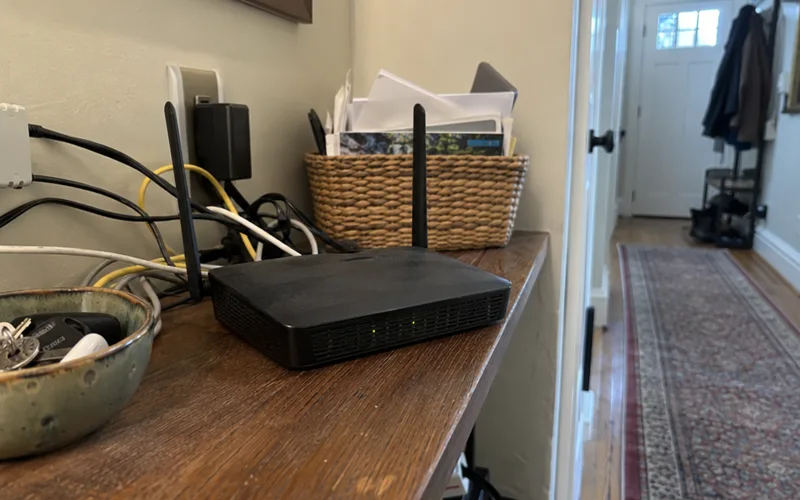
Here are the ones our sources point to:
- No power: It needs a C-wire or adapter, so a home without one can’t run it.
- Wi-Fi trouble: It only joins 2.4 GHz networks, so check your router settings.
- Weak signal: ENERGY STAR advises keeping a Wi-Fi thermostat reasonably close to the router to prevent disconnections.
- Shared accounts: Only one Alexa account can connect, so your household shares it.
- Hidden settings: TechGearLab says Amazon doesn’t make geofencing easy to find.
- No lock: Anyone can change the temperature at the wall.
For Amazon thermostat troubleshooting, start with the wiring, then the network, because that order rules out the most likely causes first.
Amazon Smart Thermostat vs Nest
The Amazon Smart Thermostat beats the Google Nest Thermostat on price, while TechGearLab found the Nest Thermostat much more intuitive. Pick by platform first, then budget.
TechGearLab says the Nest Thermostat costs a few more dollars and is far easier to use. If you’re leaning that way, the Nest thermostat lineup has more than one model to weigh.
Moving up to the Nest Learning Thermostat is a bigger step. TechGearLab ranks it and the Ecobee Smart Thermostat Premium among the smartest in its lineup, and CNET puts learning models in that $150-plus tier.
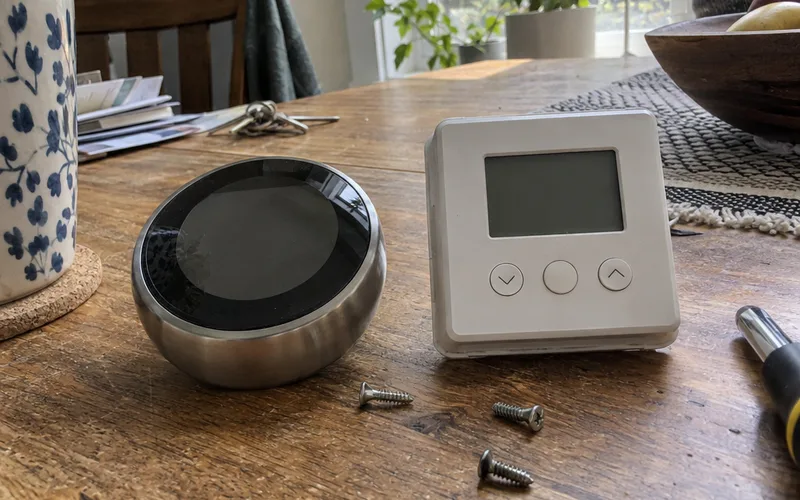
The simple rule for any Amazon vs Nest decision: Alexa home, buy Amazon; Google Home, buy Nest.
Amazon Smart Thermostat vs Ecobee
The Amazon Smart Thermostat is the budget choice, and the Ecobee Smart Thermostat Premium is the feature choice, among the smartest models TechGearLab tested. Choose Ecobee if you want the most smart features and can spend more.
Ecobee sells 3 thermostat models, so pick the model first, then see how it stacks up against Nest.
But if you only need schedules, remote control and Alexa home automation, the extra money buys features you may never open. That’s the honest test for any upgrade.
Other Budget Alternatives to the Amazon Smart Thermostat
The Sensi Lite Smart is the closest budget alternative to the Amazon Smart Thermostat, at $90 and 78 points in TechGearLab testing of July 2024. It suits homes without a C-wire or with more than one smart platform.
TechGearLab says the Sensi Lite generally works without a C-wire, and it supports Alexa, Google Assistant and Samsung SmartThings. It’s also simple to set up, with no complicated menus.
The trade-off is smarts. TechGearLab lists no learning or adaptive controls on the Sensi Lite, and it scored just 2.5 for Energy Saving against 5.5 here.
My Bottom Line on the Amazon Smart Thermostat
The Amazon Smart Thermostat is an easy buy for an Alexa home and a skip for everyone else.
Check your wiring and run the compatibility checker on the product page this week.
If both pass, buy it on sale and claim your rebate.
Frequently Asked Questions
Is the Amazon Smart Thermostat good?
Yes, the Amazon Smart Thermostat is good for the price if you already use Alexa. CNET scored it 8.6 out of 10 in 2024, TechGearLab scored it 79 out of 100, and the Amazon listing shows 4.0 out of 5 stars.
Does Amazon have a thermostat?
Yes, Amazon sells its own thermostat, the Amazon Smart Thermostat, model S6ED3R, a first-generation product released in 2021. Amazon built it with Honeywell Home Thermostat Technology, and you control it through the Alexa app, the Ring app or the 3 touch buttons on the device.
What are the downsides of using a smart thermostat?
The main downsides of a smart thermostat are the wiring it may need, its reliance on Wi-Fi and savings that depend on you. CNET notes a smart thermostat won’t save money unless your behavior changes with it, so set real away and sleep temperatures.
How do I connect my Amazon Smart Thermostat to Wi-Fi?
You connect the Amazon Smart Thermostat to Wi-Fi in the Alexa app during guided setup, and CNET says that took no more than a minute or 2. Pick a 2.4 GHz network, because the thermostat doesn’t support 5 GHz.
How long does the Amazon Smart Thermostat last?
The Amazon Smart Thermostat carries a 1-year limited warranty, and the Amazon listing says select replacement parts stay available for 3 years after production ends. No source in our research gives a typical lifespan, so treat the warranty as the only firm number.
Is the Google Nest thermostat good?
Yes, the Google Nest Thermostat is a good pick if you want an easier screen, and TechGearLab found it much more intuitive than the Amazon Smart Thermostat. It costs a little more, so compare current prices before you choose.
Does the Amazon Smart Thermostat have a battery?
The Amazon Smart Thermostat runs on C-wire power or a power adapter kit, according to the Amazon listing, which names no battery option. Check for a C-wire before you buy, because a home without one needs the adapter.
Is there a manual for the Amazon Smart Thermostat?
The Amazon Smart Thermostat ships with a quick start guide, and the Alexa app holds the step-by-step install instructions. The Amazon listing also links a Learning Hub with quick video guides and a Help Center for troubleshooting.