

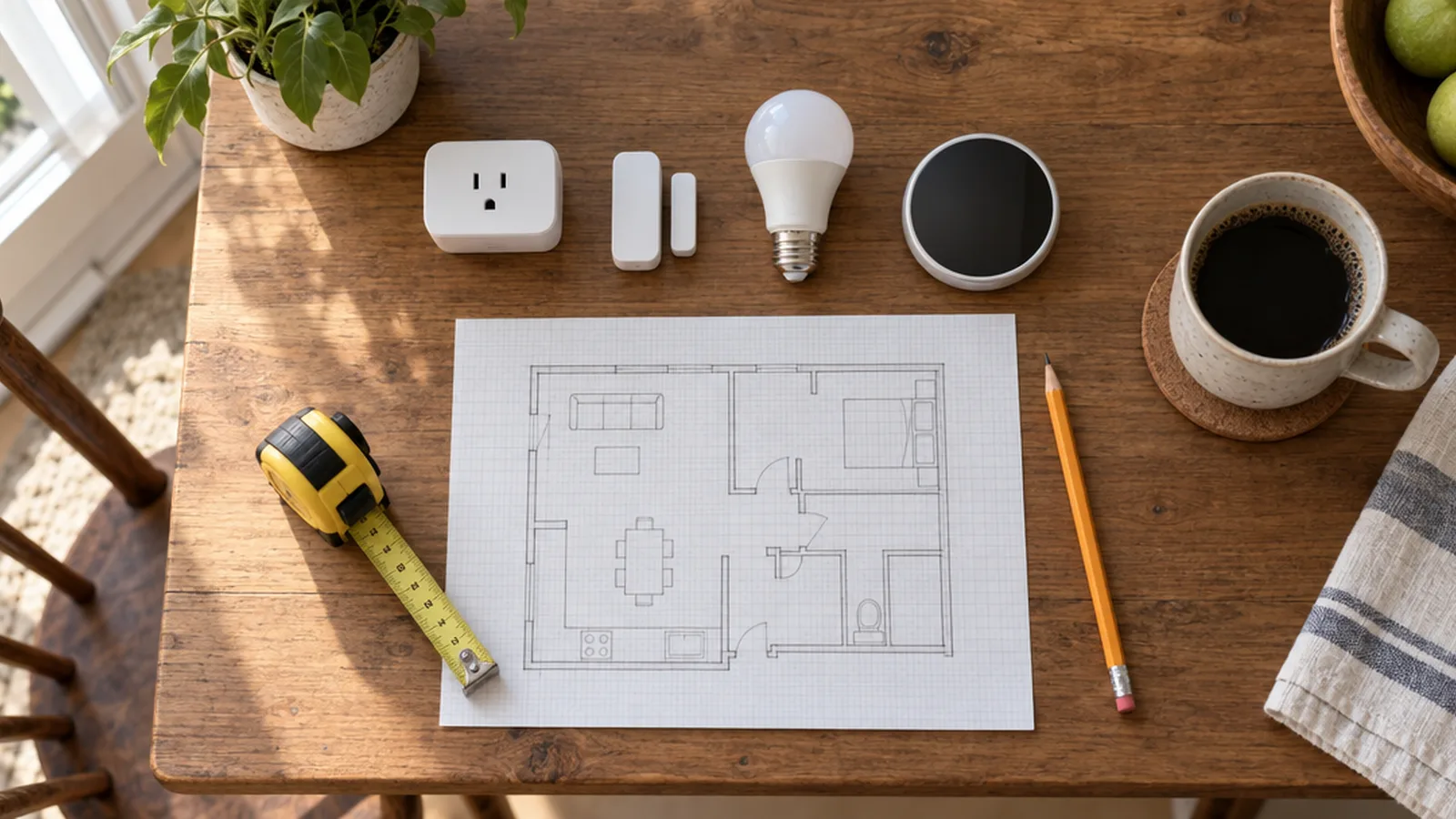
Getting Started is the place to begin before you buy anything, and the place to come back to when the whole system feels more complicated than it should. It covers ideas that apply to every device in the house: what a smart home actually is, how the pieces talk to each other, what a realistic budget looks like and whether you should do the work yourself. It also includes planning advice for renters, for seniors and for families helping an older relative age in place. Buying guides for a single kind of device live in that device’s own category, so the best doorbell or the best smart bulb isn’t buried here.
The main sub-topics in Getting Started
The articles in this category are grouped under the sub-topics below, so you can go straight to the part of the project you’re working on.
Smart Home Basics
Smart Home Basics explains what a smart home is and how apps, hubs, voice assistants and cloud services fit together. It also lays out the honest pros and cons of automating a house, including what happens when the internet or a company’s servers go down. If the jargon still feels like alphabet soup, start here.
Planning & Setup
Planning & Setup walks through designing a system, using a checklist, estimating installation costs and deciding what to pre-wire in new construction. It helps you decide which jobs make sense as weekend DIY projects and when a professional installer is worth the money.
Network & Privacy
Most smart home headaches are really network problems, and Network & Privacy tackles them directly. You’ll find guides for devices that refuse to join Wi-Fi or keep dropping off, along with plain explanations of IoT privacy and security risks and the practical steps that reduce them.
Device Roundups
Device Roundups collects picks that span more than one kind of device. That includes devices for seniors and for apartments, smart home gift ideas, sensor lists and other roundups that don’t belong to a single device category.
Nest Thermostats
Nest Thermostats covers Google’s thermostats: compatibility checks, installation, model comparisons, account issues and fixes for no-heat, no-cooling and power problems.
Ecobee Thermostats
Ecobee Thermostats explains the differences between models and covers installation, power extender kits, sensor calibration, resets and the most common heating, cooling and Wi-Fi problems.
Thermostat C-Wire
Thermostat C-Wire explains what the common wire does and why so many smart thermostats need one. It covers where the wire connects at the furnace, what to do if you don’t have one and how C-wire power adapters fit in.
Safety before you start
Thermostat wiring is usually low voltage, but it connects to heating and cooling equipment that isn’t. Turn off power to the HVAC system at the breaker or service switch before touching any wires, and photograph the existing wiring before you disconnect anything. Line-voltage thermostats, like those used for electric baseboard heat, are a different job entirely and need extra care or a licensed electrician. If your system is a heat pump, has more wires than the instructions mention, or doesn’t behave as expected afterward, call a licensed HVAC technician.
Where to go next
Once you have a plan, Smart Hubs helps you choose the platform and protocols that will tie everything together. Security covers doorbells, cameras, locks and safety sensors. Lighting covers bulbs, switches, plugs and shades, which are often the easiest place to start automating.