

Lighting is often the easiest and most satisfying place to start a smart home, and it’s also where many first frustrations show up. This category covers smart bulbs, light strips, permanent outdoor lights, TV backlights, smart switches and dimmers, smart plugs and power strips, and motorized blinds and shades. The guides cover buying, wiring, setup and the connection problems that make a light stop responding. Thermostats and home energy monitors are covered in Getting Started.
The main sub-topics in Lighting
Many articles are grouped under the sub-topics below, and general bulb and light-strip guides appear alongside them.
Smart Switches
Smart Switches covers in-wall switches and dimmers, including models with screens and models that work well with Home Assistant. The wiring guides explain standard and three-way setups, what a neutral wire is, and your options when a switch box doesn’t have one.
Smart Plugs
Smart Plugs covers indoor and outdoor plugs and power strips: what they’re good for, whether they save energy and how they work with Alexa. It also covers setup, changing Wi-Fi networks, resets and the blinking lights that mean a plug has lost its connection.
Smart Blinds
Smart Blinds covers motorized blinds and shades, including budget picks, options for large windows, outdoor shades and models that work with Google Home or Home Assistant.
TV Backlights
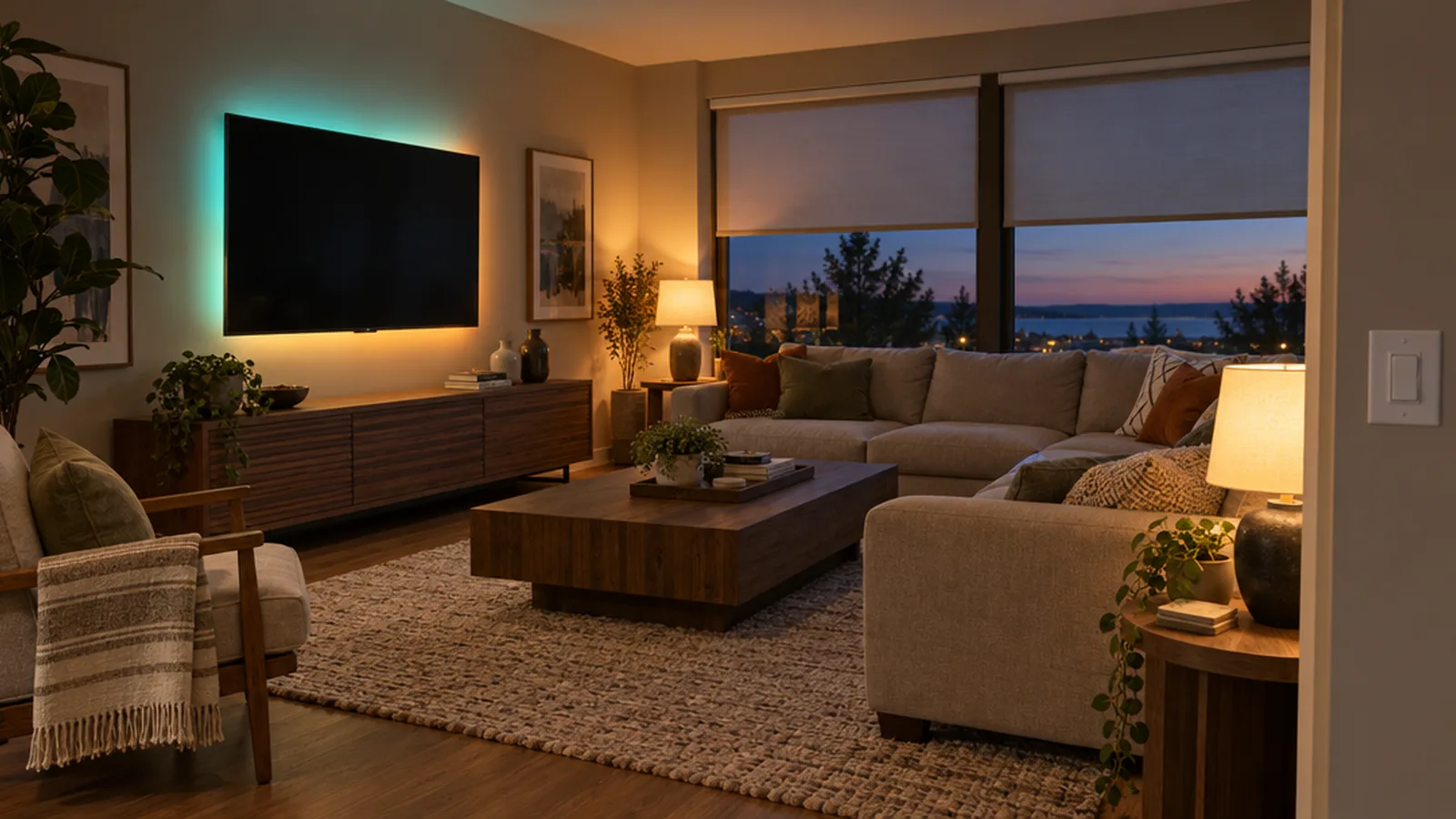
TV Backlights covers lights that change color to match what’s on screen. The guides compare Govee backlight models, recommend settings and walk through Philips Hue sync setup, including fixes when the sync box or TV app won’t cooperate.
Smart bulbs, strips and outdoor lights
Beyond these sub-topics, this category covers how smart bulbs work, whether they use more electricity, and which ones work best with Alexa, Google Home, Apple Home or Home Assistant. You’ll also find reviews and comparisons of permanent outdoor lighting, installation guides for light strips, battery-powered motion lights, and fixes for bulbs that flicker or won’t connect.
Bulb, switch or plug: picking the right control point
Smart bulbs are easy to install and great for color, but they stop responding when someone flips the wall switch off. Smart switches keep the familiar wall control and work with ordinary bulbs, but they require wiring. Smart plugs are the simplest option for lamps and small appliances, and they’re often the best choice for renters. Many homes end up using all three, each where it fits best.
Wiring safety
Smart switches and dimmers connect to household line voltage. Turn off the circuit at the breaker, confirm it’s dead with a voltage tester and follow local electrical codes. If you find aluminum wiring, no ground, unfamiliar wire colors or a box too crowded to close safely, stop and call a licensed electrician. Only use outdoor-rated plugs and lights outside, and keep connections protected from water.
Where to go next
To control lights from routines or voice commands, see Smart Hubs. For floodlight cameras and security lighting, see Security.