

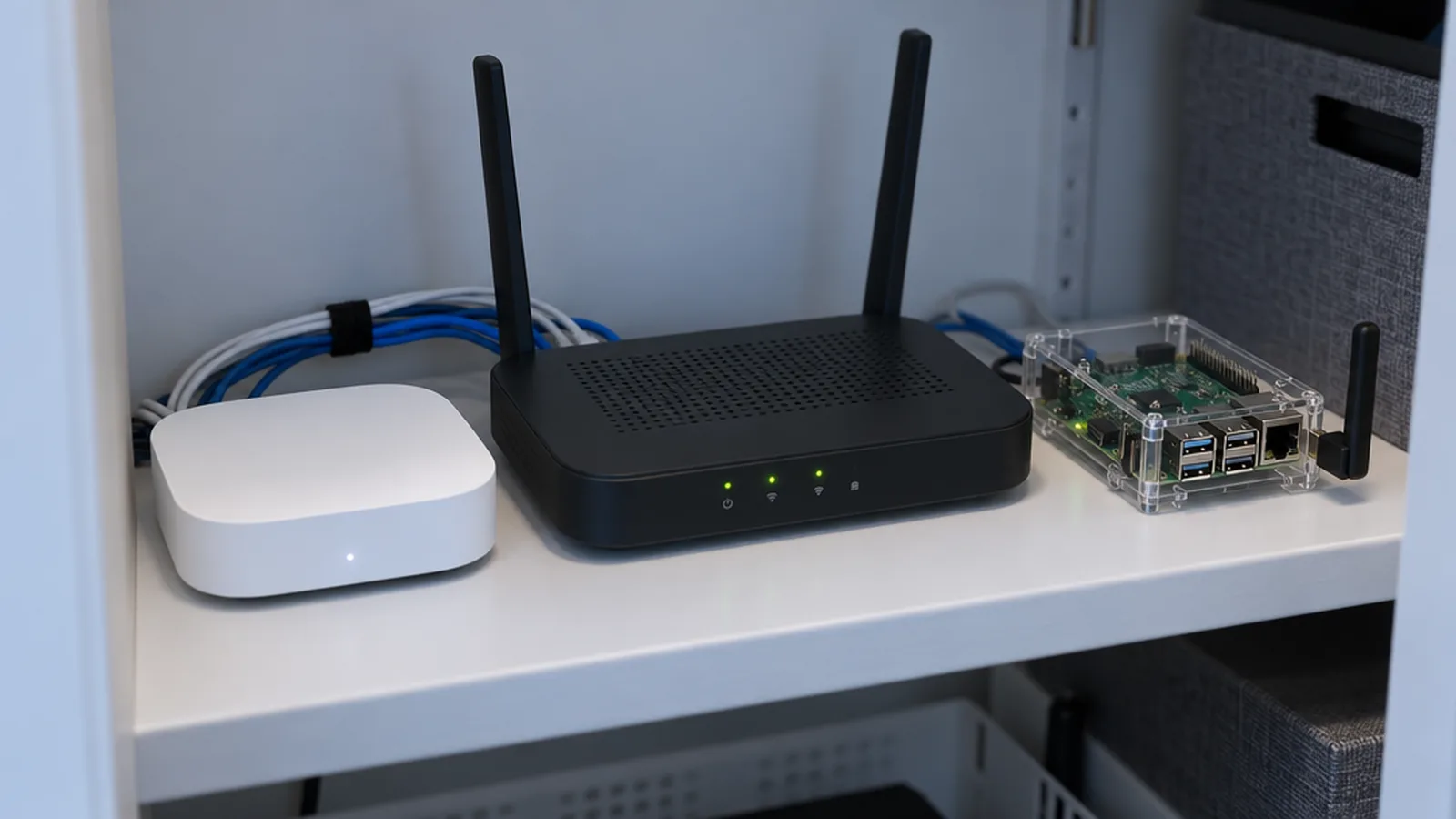
Smart Hubs is about the layer that ties a smart home together. That includes dedicated hubs and controllers, wireless protocols, and the platforms you use every day to control devices, such as Amazon Alexa, Google Home, Apple Home, SmartThings and Home Assistant. It also covers routines and automations, plus DIY builds for people who like to tinker. Guides to end devices such as doorbells, locks and bulbs live in their own categories, but this is where you’ll learn how to make those devices work together.
The main sub-topics in Smart Hubs
The articles in this category are grouped under the sub-topics below.
Protocols
Protocols explains the radio languages smart devices speak: Zigbee, Z-Wave, Thread, Matter, Bluetooth and plain Wi-Fi. It covers how Matter and Thread relate to each other, what a Thread border router does, which hubs support which protocols, and how to choose one without getting stuck in a dead end.
Amazon Alexa
Amazon Alexa covers using Alexa as a control platform: setting up Echo speakers and displays, connecting to Wi-Fi, building routines and scheduling lights. It also covers the meaning of the colored light rings and what to do when Alexa stops responding or routines stop running.
Google Home
Google Home covers Google’s speakers, displays and app as a smart home controller. You’ll find guides to routines and the automation script editor, Wi-Fi setup and resets, and fixes for routines and Nest devices that won’t connect.
Home Assistant
Home Assistant is for readers who want local control and deep customization. The guides cover choosing hardware, adding Zigbee, Z-Wave, Thread and Matter radios, building dashboards, writing automations with triggers, modes, variables and blueprints, connecting energy monitors, and getting remote access without relying on the cloud.
DIY Projects
DIY Projects collects Raspberry Pi and ESP32 builds, from a homemade hub to a wall-mounted control panel. These projects assume you’re comfortable with a little code and low-voltage electronics.
Sonos
Sonos covers whole-home audio from one of the most common speaker systems in connected homes. The guides explain setup and pairing, connecting soundbars and subwoofers to a TV, factory resets for older and newer models, and comparisons with other speakers and multiroom systems.
Choosing a platform without regret
The best platform is usually the one that fits the devices and phones you already have. Apple Home works best in iPhone households, while Alexa and Google Home cover the widest range of inexpensive devices. Home Assistant gives you the most control but expects more of your time. It’s worth asking whether you want devices to keep working when the internet is down, because that one question rules out many cloud-only setups. Matter makes it easier to switch platforms later, but it doesn’t remove every compatibility limit, so check device support before you buy.
Account and network security
Your hub or platform account can control door locks, cameras and garage doors, so protect it as carefully as your email. Use a strong, unique password, turn on two-factor authentication and keep hub firmware up to date. If you add many inexpensive Wi-Fi devices, think about putting them on a separate guest or IoT network.
Where to go next
If you’re still planning, Getting Started covers budgets, networks and privacy. When you’re ready to add devices, see Security for doorbells, cameras and locks, and Lighting for bulbs, switches and plugs.