Homey Pro runs 8 different smart home protocols in one hub.
That’s how split the market still is: no single protocol won, so one hub maker built a box that speaks most of them.
So which smart home protocols do you actually need? Below, you’ll get each one in plain English: what it does, what it needs to work and which devices it suits.
- Filling the house with battery door and motion sensors? Go with Zigbee sensors or Thread sensors.
- A smart lock on a door far from the router points to a Z-Wave lock.
- Cameras, video doorbells and speakers belong on Wi-Fi.
- Starting from zero in 2026, buy Matter-certified gear first.
What Are Smart Home Protocols?
Smart home protocols are the sets of rules that smart devices use to send commands and share data with a hub, a phone or each other. Each protocol runs its own small computer network for your lights, locks and thermostats.
That network decides how far a signal travels, how much battery it burns and whether devices relay messages.
Think of a protocol as a language, the same idea that lets any gadget on the internet of things talk at all. A Zigbee motion sensor can’t tell a Wi-Fi bulb to switch on by itself, because they don’t speak the same one.
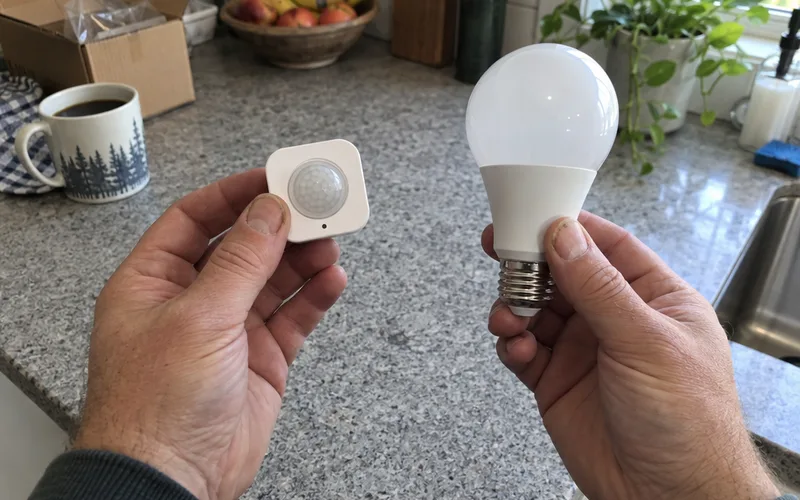
Something has to translate. That’s usually a hub, or a shared standard like Matter that both devices understand.
The protocol on the box decides what else your device needs: a hub, a border router or nothing at all. If you’re brand new to this, the basics of how a smart home works will make the rest of this page click faster.
How Do Smart Home Protocols Differ?
Smart home protocols differ in 3 ways that matter to you: whether devices form a mesh, whether they use internet-style IP addresses and whether the standard is open or certified by one group. Those 3 traits predict range, hub needs and how many brands you can mix.
Here’s how each one plays out:
- Mesh vs. point-to-point: this is the network topology. Zigbee, Z-Wave and Thread form a mesh, where plugged-in devices repeat messages. Wi-Fi, Bluetooth and infrared talk straight to one receiver.
- IP vs. non-IP: Wi-Fi and Thread give every device its own network address. Zigbee, Z-Wave and Bluetooth need a hub to translate.
- Open vs. certified: Zigbee and Thread are open standards. Z-Wave takes a different route to standardization: the Z-Wave Alliance controls it and certifies every device.
Of the 3, the mesh changes your day-to-day experience most.
Every smart plug or wired switch you add to a mesh makes it stronger, because each one passes messages along. That’s mesh networking at work.
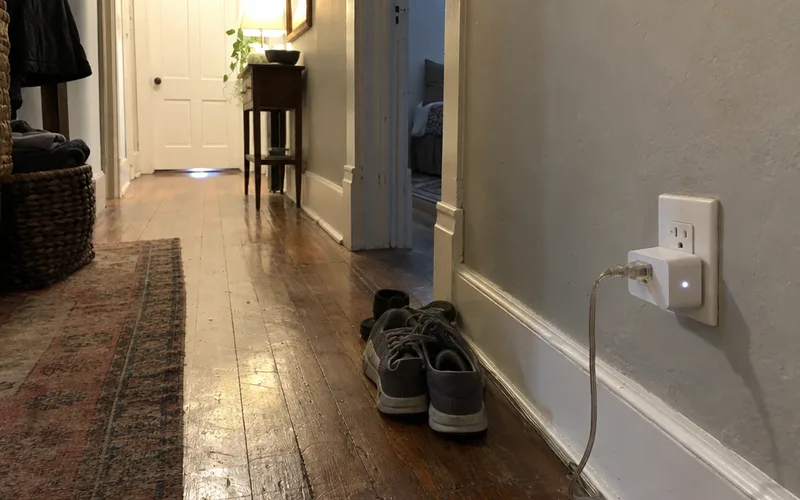
In a star network like Wi-Fi, every device leans on the router, so a weak spot stays weak.
Smart Home Protocols Compared Side by Side
The main smart home protocols differ most in radio band, hub needs and the devices they fit best. Wi-Fi, Zigbee, Z-Wave, Thread, Bluetooth LE and Matter cover nearly every product you’ll find in a store.
Start with this side-by-side view:
| Protocol | Radio band | Needs a hub? | Best for |
|---|---|---|---|
| Wi-Fi | 2.4 / 5 GHz | No | Cameras, doorbells, speakers |
| Zigbee | 2.4 GHz | Yes | Bulbs, plugs, sensors |
| Z-Wave | 908.42 MHz (US) | Yes | Locks, alarm sensors |
| Thread | 2.4 GHz | Border router | Battery sensors, Matter gear |
| Bluetooth LE | 2.4 GHz | No (phone) | Setup, locks at close range |
| Matter | Runs on Wi-Fi or Thread | Matter controller | Mixing brands |
Notice how crowded 2.4 GHz is: Wi-Fi, Zigbee, Thread and Bluetooth all share it.
Zigbee
Zigbee is a low-power mesh protocol that runs on the 2.4 GHz band using the IEEE 802.15.4 radio standard, at up to 250 kbps. Zigbee devices need a hub, called a coordinator, and they’re the most common choice for smart bulbs, plugs and battery sensors.
Each hop reaches roughly 10 to 20 meters indoors, which sounds short until the mesh kicks in.
Every plugged-in node repeats the signal, so a hallway bulb can relay a kitchen sensor’s message the hub can’t hear.
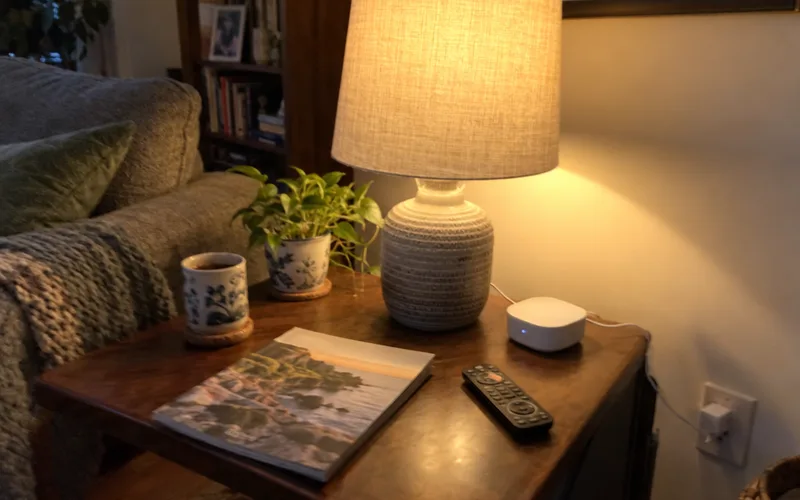
Every network has 3 types of Zigbee devices:
- Coordinator: the one device that runs the network, usually your hub.
- Routers: mains-powered devices like plugs and bulbs that repeat messages.
- End devices: battery gear like door sensors that sleep and don’t repeat.
Watch your Wi-Fi channels, too. The two share 2.4 GHz, so in a dense apartment building heavy Wi-Fi traffic on overlapping channels can cause dropouts.
The fix is configuration, not new gear: set your hub and your router’s Wi-Fi to channels that don’t overlap.
Best for: lighting, plugs and lots of cheap sensors. Skip it if you hate the idea of buying a hub.
First step: check whether your smart speaker already has the right radio before you buy a separate Zigbee hub.
What Works With Zigbee?
Philips Hue, IKEA Tradfri and Amazon Echo devices all use Zigbee, along with a long list of bulbs, plugs, switches and sensors from smaller brands. Zigbee has one of the biggest device selections of any smart home protocol because it’s an open standard.
The catch? “Zigbee” on the box doesn’t always mean full compatibility.
Some makers add their own extensions, so a few devices only behave well on their own brand’s hub.
That’s why the best Zigbee devices to start with are ones from big, widely supported brands.
Is Zigbee Still a Thing?
Yes, Zigbee is still a thing: it’s one of the most widely supported smart home protocols, and Philips Hue still builds on it. Matter-over-Thread is growing fast, but it hasn’t replaced Zigbee’s huge device catalog.
In other words, a Zigbee bulb you buy today isn’t a dead end. A multi-protocol hub keeps it working beside newer Matter gear.
Z-Wave
Z-Wave is a low-power mesh protocol that runs below 1 GHz, at 908.42 MHz in the United States, which gives it better range through walls and keeps it clear of Wi-Fi traffic. Z-Wave devices need a hub and are a common pick for smart locks, door sensors and alarm systems.
That lower frequency is Z-Wave’s biggest strength. Your Wi-Fi router, Zigbee bulbs and Bluetooth headphones all crowd 2.4 GHz, while Z-Wave has its band almost to itself.
Note: Z-Wave frequencies are regional, so a European Z-Wave device on 868.42 MHz won’t pair with a US hub on 908.42 MHz. Check the frequency before you buy anything imported.
Every Z-Wave device must pass Z-Wave Alliance certification to carry the logo. That keeps cross-brand behavior predictable, which is why Z-Wave is so common in home security setups.
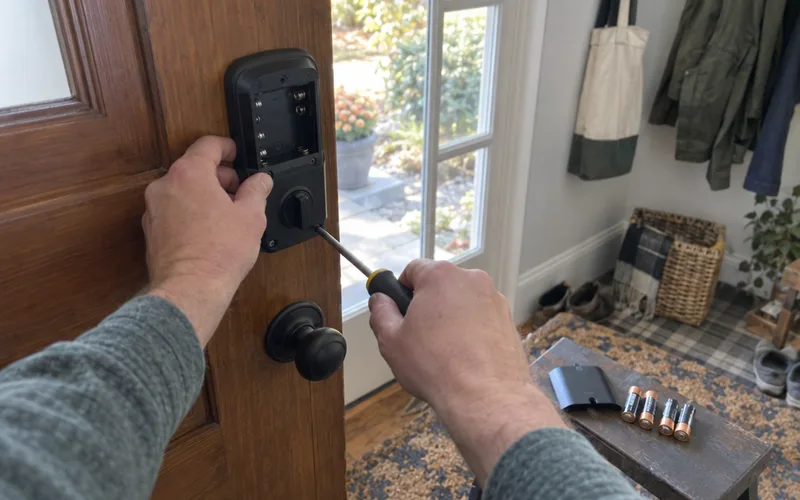
Best for: smart locks, door and window sensors, alarms, bigger homes. Skip it if you want the cheapest possible sensors.
Your platform decides which hub you’ll need, so Apple Home users should look at Z-Wave hub options for HomeKit before buying a lock.
How Is Zigbee Different From Z-Wave?
Zigbee differs from Z-Wave mainly in price and selection versus range and interference: Zigbee has more devices and shares 2.4 GHz with Wi-Fi, while Z-Wave uses a quieter sub-GHz band with certified devices. Both form a mesh and both need a hub.
If you’re weighing the two for one specific room, a deeper Zigbee vs. Z-Wave comparison breaks down cost, range and device counts.
Thread
Thread is a low-power mesh protocol on the 2.4 GHz band that carries IPv6 traffic directly, so every Thread device gets its own network address. Thread devices need a Thread border router to reach your home network, and most of them are sold as Matter-over-Thread gear.
It uses the same IEEE 802.15.4 radio as Zigbee, at up to 250 kbps. The difference is the language on top: Thread speaks IPv6, the same internet protocol your laptop uses, so it doesn’t need a hub to translate.
It only moves the data, though. It doesn’t define what a “light” or a “lock” is.
That job belongs to Matter’s data models, which is why the two usually show up together.
It also tends to stretch battery life, since it was designed later with power efficiency built in from the start. That’s a big reason the Zigbee vs. Matter vs. Thread question now comes up with almost every new sensor.
Best for: battery gear and locks, and anyone building around Matter. Skip it if you have no border router and don’t plan to buy one.
Do You Need a Thread Border Router?
Yes, you need a Thread border router to use Thread gear, because it links the mesh to your home’s local area network and the internet. Smart speakers and displays like the Apple HomePod mini and Google Nest Hub already act as Thread border routers.
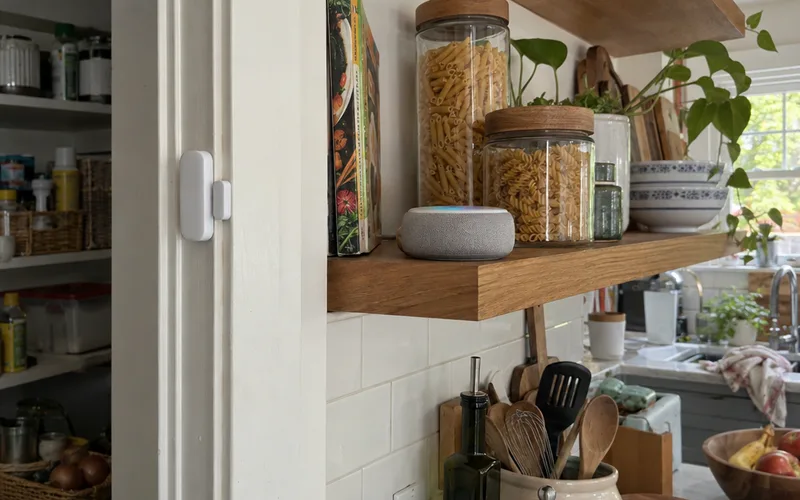
So check what you own first. If you have a HomePod mini, the question becomes whether the HomePod mini can run as a Matter hub for everything else.
The best part? A Thread network can run several border routers at once.
That means no single point of failure, unlike Zigbee’s 1 coordinator. A second Thread border router makes the whole mesh sturdier.
Is Matter a Smart Home Protocol?
Matter is a smart home standard that runs on top of Wi-Fi, Thread and Ethernet rather than a radio protocol of its own, and its job is interoperability: letting devices from different brands work in the same system. Matter doesn’t replace Zigbee or Z-Wave radios, and Apple, Google and Amazon all back it.
That distinction clears up the most common mix-up: Matter vs. Thread isn’t really a choice.
A Matter-over-Thread sensor uses Thread to carry the message and Matter to define it.
The Connectivity Standards Alliance, the group behind Matter and Zigbee, tests every certified end product for conformance to one of its standards. Passing lets a product carry the Alliance’s certified logo.
That logo is your shortcut to interoperability. A Matter-certified plug should join Apple Home, Google Home or the Amazon Alexa voice assistant with no brand-specific bridge.

Matter devices come in 2 main flavors. Matter over Wi-Fi suits plugged-in gear like plugs and bulbs, while Matter over Thread suits battery sensors and locks that need to sip power.
The label tells you which one you’re buying. A “Matter over Thread” device also needs a Thread border router, which a “Matter over Wi-Fi” device doesn’t.
The weak spot is older gear. Some existing smart devices may never get a Matter update, so check before you plan around them.
Once Matter in a smart home makes sense, the shopping gets easier, because Matter-over-Thread devices now cover sensors, plugs and locks. You’ll also need a Matter controller, and the best Matter hubs show which speakers and hubs fill that role.
Is Wi-Fi Good for Smart Home Devices?
Wi-Fi is good for smart home devices that plug into the wall and move a lot of data, like cameras, video doorbells and speakers. Wi-Fi is a poor fit for battery sensors, because its radio draws far more power than Zigbee, Z-Wave or Thread.
The upside is simplicity. A Wi-Fi plug joins the router you already own on its 2.4 GHz or 5 GHz band, with no hub and no extra box.
But the downside piles up fast: dozens of small Wi-Fi gadgets load up your router.
And a battery Wi-Fi sensor eats batteries much faster than a mesh one.
Use Wi-Fi for the devices that stream, and keep the dozens of tiny sensors on a mesh protocol. That split is the heart of the Thread vs. Wi-Fi decision for anything battery-powered.
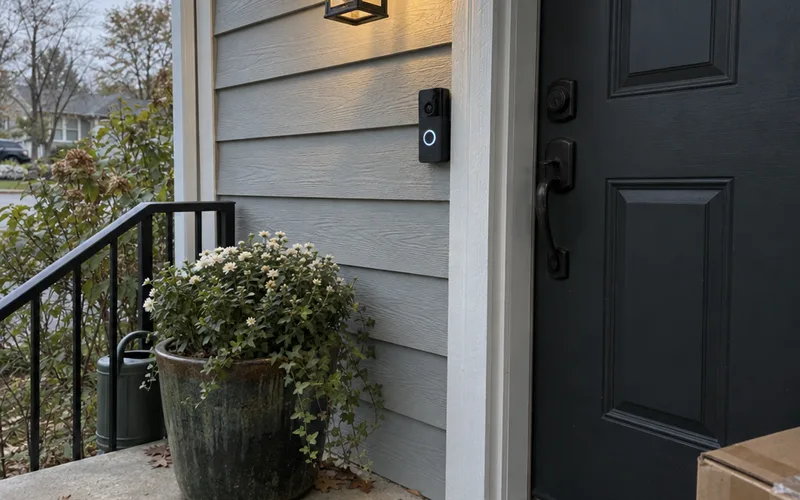
Best for: cameras, video doorbells, speakers and a first plug or two. Skip it if the device runs on batteries.
Bluetooth Low Energy
Bluetooth Low Energy (BLE) is a short-range, very low-power protocol that smart home devices mostly use to talk directly to your smartphone, such as a smart lock that unlocks as you walk up. BLE also handles setup for many devices before they switch to Wi-Fi, Zigbee or Thread.
Classic Bluetooth and BLE share a name and the 2.4 GHz band, but they’re not the same thing. Classic Bluetooth streams audio to speakers and headphones, while BLE sends tiny bursts of data on a sliver of power.
Best for: setup, phone-to-lock unlocking and single nearby devices. Skip it if you want control from another room or away from home.
Which Is Better, Zigbee or Bluetooth?
Zigbee is better than Bluetooth for whole-home automation, because its mesh covers every room while Bluetooth Low Energy mostly reaches one room from your phone. Bluetooth is better for a single nearby device you control from your smartphone, with no hub.
Range, battery life and hub cost decide the close calls, and the Zigbee vs. Bluetooth breakdown weighs each one device by device.
Wired and Legacy Protocols
Wired and legacy smart home protocols include Ethernet, KNX, infrared and 433 MHz radio, and most homes only need them for specific jobs. Ethernet suits hubs and streaming devices, while KNX is a professionally installed wired system.
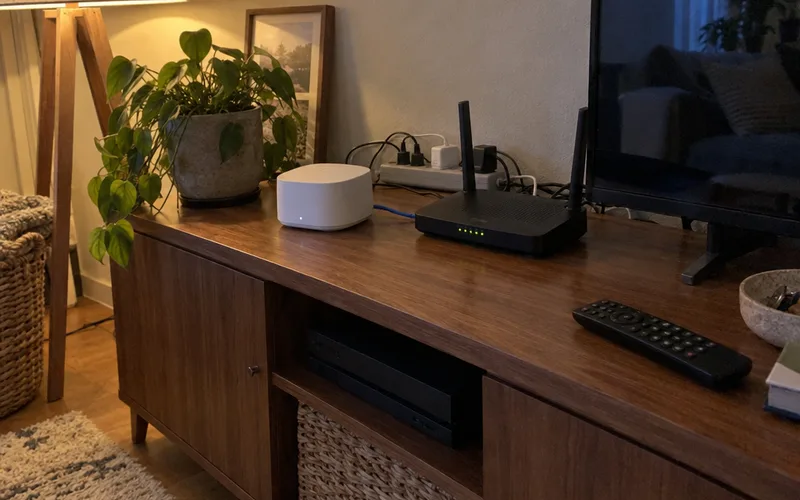
Each one still earns a spot somewhere:
- Ethernet: the wired IEEE 802.3 standard. Plug your hub or border router in for the steadiest connection.
- KNX: a twisted-pair cable bus run through the walls during construction or a remodel. It’s common in Europe and needs a pro installer.
- Infrared: the light signal a TV remote control uses. It needs line of sight and can’t confirm a command arrived.
- 433 MHz: old garage remotes and doorbells. Most are one-way and unencrypted, so never trust them with a lock.
Range, Speed and Battery Life by Protocol
Range, speed and battery life vary widely between smart home protocols: Wi-Fi moves the most data but burns the most power, while Zigbee, Z-Wave and Thread trade speed for long battery life. Z-Wave reaches the farthest per hop of the mesh protocols.
For a single hop indoors, the numbers look like this:
| Protocol | Data rate | Range per hop | Power use |
|---|---|---|---|
| Wi-Fi | Up to 1 Gbps+ | 30 to 50 m | High |
| Zigbee | Up to 250 kbps | 10 to 20 m | Low |
| Z-Wave | Up to 100 kbps | 30 to 100 m | Low |
| Thread | Up to 250 kbps | 10 to 20 m | Low |
| Bluetooth LE | Up to 2 Mbps | 10 to 30 m | Very low |
Those ranges shrink with every wall, so treat them as best cases.
So don’t pick a protocol for its speed. A door sensor sends a few bytes at a time, so low power matters far more than bandwidth for most of your devices.
Do Smart Home Protocols Need a Hub?
Zigbee and Z-Wave need a hub, Thread needs a Thread border router, and Matter needs a Matter controller, while Wi-Fi and Bluetooth devices can work with just your router or phone. Whether you need a hub depends entirely on the protocols your devices use.
Plenty of devices you may already own fill that role. Some smart speakers carry those radios already, and a dedicated smart home hub can cover several protocols at once.
For example, some Amazon Echo models have a Zigbee radio built in, so your first Zigbee bulb may need nothing extra.
Key Takeaway: List the protocols on every device you own or plan to buy, then pick one hub that covers all of them.
Are Smart Home Protocols Secure?
Smart home protocols like Zigbee, Z-Wave and Thread encrypt their traffic, but how secure your home is depends on how each device implements that encryption. Zigbee’s encryption, for example, only protects you if the device handles its keys properly.
Payatu, a security research firm, explains that the ZigBee standard defines two 128-bit symmetric keys: a network key for broadcasts and a link key between 2 devices.
The weak spots come from shortcuts. In some Zigbee implementations, a new device receives its keys over the air, mostly in clear text, so anyone sniffing at that moment can grab them.
Default and reused link keys cause the other big problem. According to the same research, they let attackers add rogue or cloned devices to your network.
So what does that mean for you? Keep firmware updated and buy from brands that publish security updates and clear privacy rules.
Thread uses a different design from Zigbee’s key scheme, so judge Thread protocol security on its own terms before you put a lock on it.
Can Different Smart Home Protocols Work Together?
Different smart home protocols can work together when a multi-protocol hub or a shared standard like Matter connects them. Homey Pro, for example, runs 8 protocols natively in 1 local hub, so a Zigbee bulb, a Z-Wave lock and a Wi-Fi camera can share routines.
According to Homey’s product page, that list covers Wi-Fi, Zigbee, Z-Wave, Matter and Thread, Bluetooth, infrared and 433 MHz. Processing stays local, with no dependence on cloud services.
Free software works too: Home Assistant can tie several protocols together on hardware you run yourself.
Matter solves the same problem from the other side. Instead of one hub learning every language, Matter gives devices one shared language over Wi-Fi and Thread.
Here’s an example (hypothetical, but typical):
Say a Zigbee door sensor opens after midnight. The hub sees it, switches on a Wi-Fi porch light and asks the Z-Wave lock whether the front door is still locked, all in 1 routine.
In other words, home automation doesn’t force you to pick a single protocol forever. You just need something in the house that speaks every protocol you buy.
Which Smart Home Protocol Is Best?
The best smart home protocol for home automation depends on the device: Zigbee or Thread for battery sensors and bulbs, Z-Wave for locks and alarm sensors, and Wi-Fi for cameras and anything that streams. For a brand-new smart home, Matter-certified devices give you the widest choice of brands.
Device by device, the picks line up like this:
| Device | Best protocol | Why |
|---|---|---|
| Door and motion sensors | Zigbee or Thread | Low power, mesh |
| Smart bulbs and plugs | Zigbee or Matter | Huge selection |
| Smart locks | Z-Wave or Matter-over-Thread | Range, reliability |
| Cameras and doorbells | Wi-Fi | Needs bandwidth |
| TV and old AV gear | Infrared | Only option |
No single row wins every category, and that’s normal.
Best Protocol for Battery-Powered Sensors
Zigbee and Thread are the best protocols for battery-powered sensors, because both sip power and get stronger as you add plugged-in gear.
If you’re comparing specific products, the best smart motion sensors roundup shows which protocols the top picks use.
Best Protocol for Smart Locks and Security Devices
Z-Wave is the best protocol for smart locks and security devices in most homes, thanks to its certified devices, longer range per hop and quiet sub-GHz band. Matter-over-Thread locks are a newer option that competes directly with Z-Wave.
Bluetooth-only locks work too, but only from your phone at close range. For alerts while you’re away, you’ll want a lock on Z-Wave, Thread or Wi-Fi.
How to Pick Protocols for a New Smart Home
The easiest way to pick protocols for a new smart home is to choose your platform first, buy Matter-certified devices where you can, and add Zigbee or Z-Wave only for the devices Matter doesn’t cover well. That order keeps you at 1 hub and 1 app.
Here’s the order I’d follow:
- Pick your platform. Apple Home, Google Home, Amazon Alexa, Samsung SmartThings or Home Assistant decides which hubs and border routers fit.
- Check what you own. Your speaker or display may already be a Thread border router or Zigbee hub.
- Buy Matter-certified first. The Connectivity Standards Alliance’s search lists thousands of certified products, so you can confirm a device before you buy.
- Fill gaps with Zigbee or Z-Wave. Use Zigbee for cheap sensors and Z-Wave for locks on far doors.
- Keep cameras on Wi-Fi. They need the bandwidth no low-power mesh can give.
Still torn between the big three? Putting Zigbee, Z-Wave and Matter head to head shows where each one wins.
The Bottom Line
Most smart homes run on 2 or 3 protocols, and that’s fine.
Write down the protocol of every device you plan to buy this week, then pick the one hub or border router that covers them all.
Frequently Asked Questions
What are the 5 communication protocols in a smart home?
The 5 communication protocols you’ll meet most in a smart home are Wi-Fi, Zigbee, Z-Wave, Thread and Bluetooth Low Energy. Matter sits on top of Wi-Fi and Thread as a shared language rather than a sixth radio.
What are the four protocols of IoT?
No official list of four IoT protocols exists, but in home IoT the four most common wireless ones are Wi-Fi, Bluetooth Low Energy, Zigbee and Z-Wave. Thread and Matter are the newer pair joining them.
What are the different types of wireless protocols?
Wireless smart home protocols come in two main types: mesh protocols like Zigbee, Z-Wave and Thread, where devices relay messages for each other, and point-to-point protocols like Wi-Fi, Bluetooth and infrared, where each device talks straight to a router, phone or hub. They also split into IP-based protocols (Wi-Fi, Thread) and non-IP ones that need a hub to translate.
What is an example of a smart home device?
A smart bulb is the most common example of a smart home device, and Philips Hue bulbs are a good one because they talk over Zigbee. Other everyday examples are a Z-Wave smart lock, a Wi-Fi video doorbell and a Thread motion sensor.
Which smart home protocol is easiest to start with?
Wi-Fi is the easiest smart home protocol to start with, because Wi-Fi plugs, bulbs and cameras join the router you already own with no hub. Once you add more than a handful of battery sensors, Zigbee or Matter-over-Thread scales better.
Is Z-Wave an open standard?
No, Z-Wave is not an open standard in the way Zigbee and Thread are, because the Z-Wave Alliance controls it and every device must pass its certification to carry the logo, which is why many guides call Z-Wave proprietary. Zigbee and Thread are open standards any manufacturer can build on.