On November 1, 2025, a whole line of smart home devices stopped working.
The company behind them shut down its service, and the devices and their app went dark with it.
That’s the part most explainers skip.
So what is a smart home, really? It’s devices plus the apps, hubs and online services that let them work together, and each part changes what you should buy.
Below, you’ll see what goes in one, how the pieces talk, and the 3 checks I’d run before buying your first device.
What Is a Smart Home?
A smart home is a house or apartment where devices like lights, locks, thermostats and cameras connect to the internet, so you can control them from a phone, by voice or on a schedule.
CEDIA, the trade group for smart home pros, calls it a dwelling that uses advanced technologies to control and monitor parts of the home. The goal, it says, is a home that’s more convenient, efficient and comfortable.
The technology underneath is the Internet of Things, which just means everyday objects with a tiny computer and a network connection built in.
That’s what separates a smart device from a regular one.
A regular lamp only knows “on” and “off” at the switch.
A smart lamp can take orders from your smartphone, follow a timer and react to other devices, like a motion sensor in the hallway.
You’ll also hear the term home automation.
It describes the hands-off part: schedules, triggers and routines that run without you touching anything.
Here’s the good news: you don’t need a whole-house system to count.
A single smart plug that turns a lamp on at sunset is already a small smart home, and most people grow from there one device at a time.
What Is Included in a Smart Home?
A smart home usually includes smart lighting, a smart thermostat, cameras, smart doorbells, smart locks, safety sensors and smart speakers, all run from one mobile app or voice assistant. Many homes add a few smart appliances too.
CEDIA names the key components of a smart home as smart thermostats, lights, security cameras, door locks and speakers.
Here’s how smart devices break down by the job they do:
- Lighting: smart light bulbs, light strips, smart switches and smart plugs that turn ordinary lamps on and off.
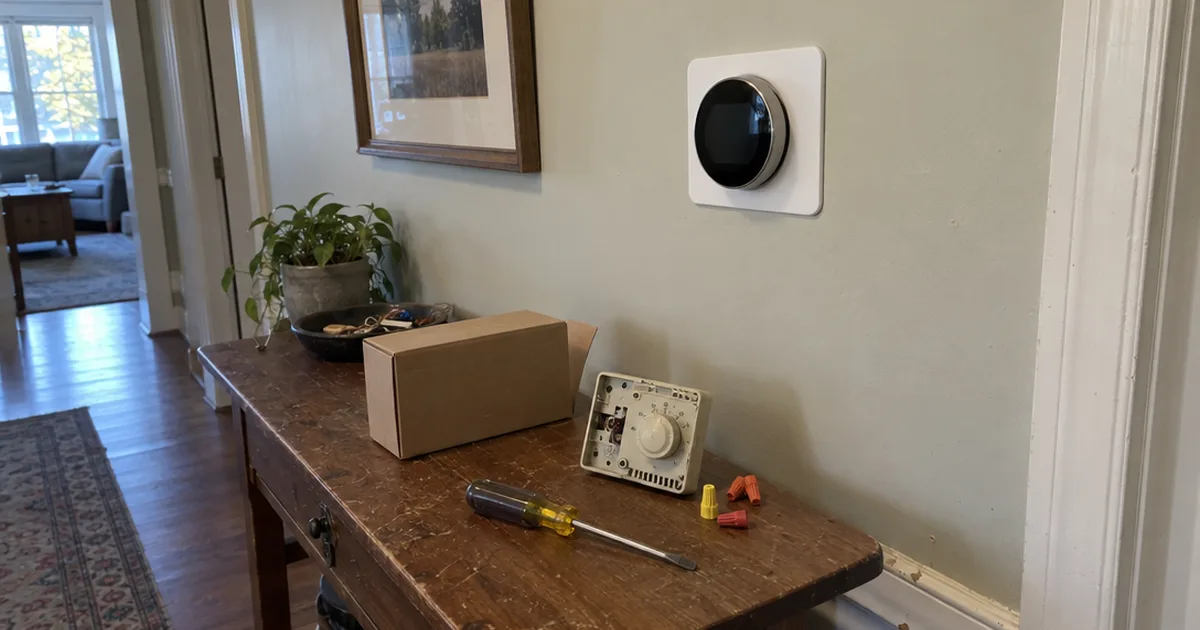
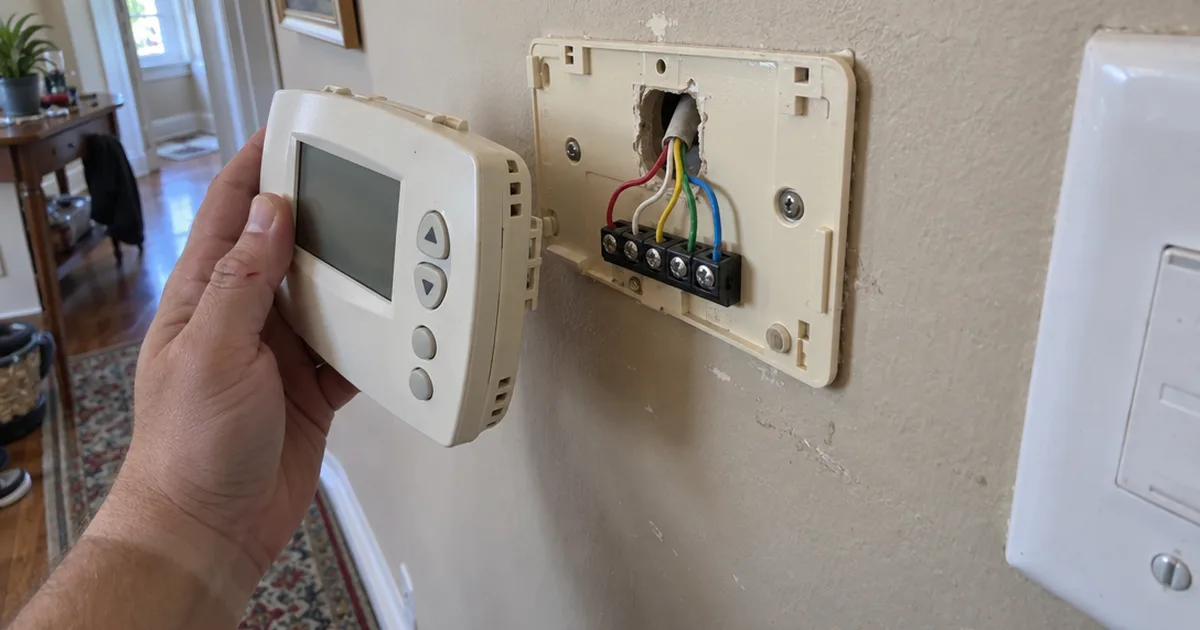
- Heating and cooling: a smart thermostat that runs your furnace and air conditioning on a schedule and lets you change the temperature from your phone.
- Security and entry: security cameras, video doorbells, smart locks and garage door openers.
- Safety sensors: motion detectors, door and window sensors, water leak sensors, and smoke and carbon monoxide detectors that alert your phone.
- Voice and entertainment: smart speakers and displays like Amazon Echo, Google Nest and Apple HomePod, plus streaming TVs and whole-home audio.
- Home appliances: refrigerators, dishwashers, washing machines, dryers and robot vacuums.
- Outdoors: smart irrigation controllers that skip watering when the weather turns wet.
You don’t need every category on that list.
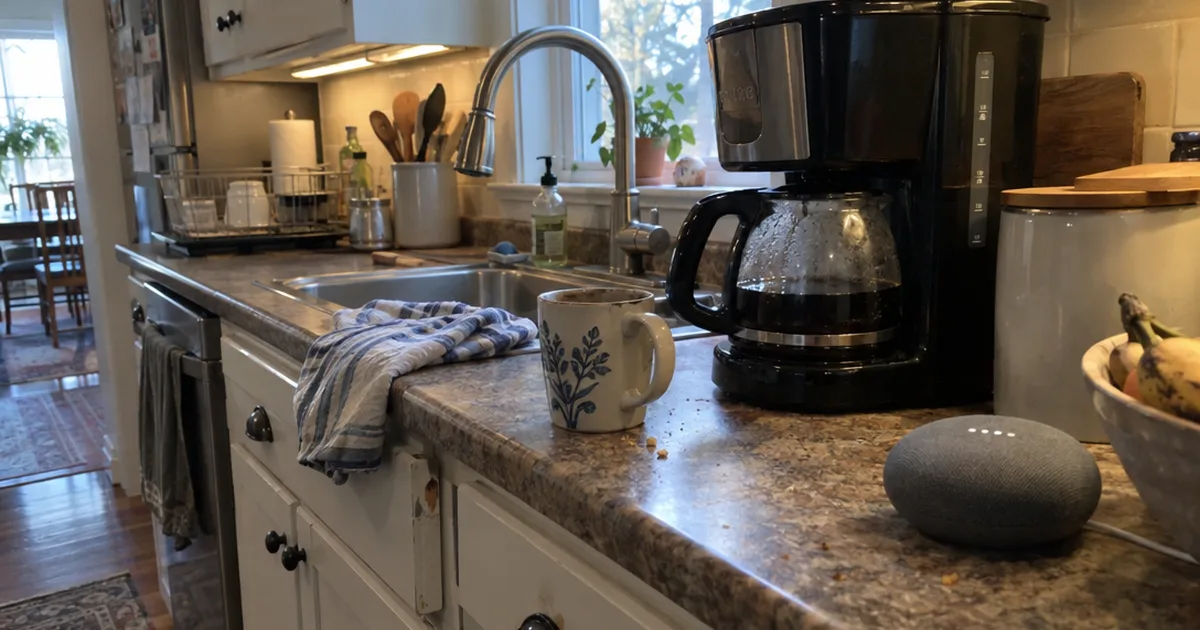
Most people start with the room or chore that bugs them most. The kitchen is a common pick, and a smart kitchen can begin with one plug on the coffee maker.
The cheapest way in is usually a smart plug. It controls the electricity to a lamp, fan or space heater, so you can schedule it from an app.
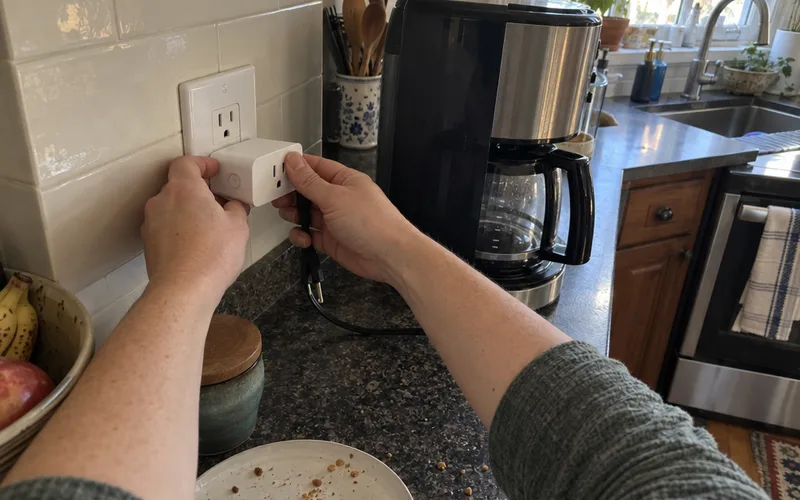
There are plenty of practical smart plug uses, from holiday lights to a bedside lamp that switches off after you fall asleep.
One caution on safety gear: smart smoke, carbon monoxide and leak sensors add phone alerts. They never replace the alarms your building code requires.
Ready to compare real products? Start with these home automation device roundups, sorted by category.
How Does a Smart Home Work?
A smart home works in 3 layers: smart devices that sense or act, a controller that sends commands, and a wireless network that carries the messages. The controller is a mobile app, hub or voice assistant, and the network is Wi-Fi, Zigbee, Z-Wave or Thread.
Here’s what each layer does:
- The devices. Each one is a bit of electronics with a small computer and a radio inside. A smart bulb dims, a smart lock turns its deadbolt and a camera records video.
- The controller. This is the app on your phone or tablet, a hub with a touchscreen, or a smart speaker. It’s where you give commands and set the rules.
- The network. This is the radio signal that carries each command. Many devices use your home Wi-Fi, while others use low-power networks like Zigbee, Z-Wave, Thread or Bluetooth.
Why does the network type matter?
Wi-Fi devices talk straight to your router, so they’re easy to set up without any extra box.
Zigbee, Z-Wave and Thread devices sip far less power, which is why battery sensors and locks often use them. The catch is that they need a hub or bridge to reach your phone.
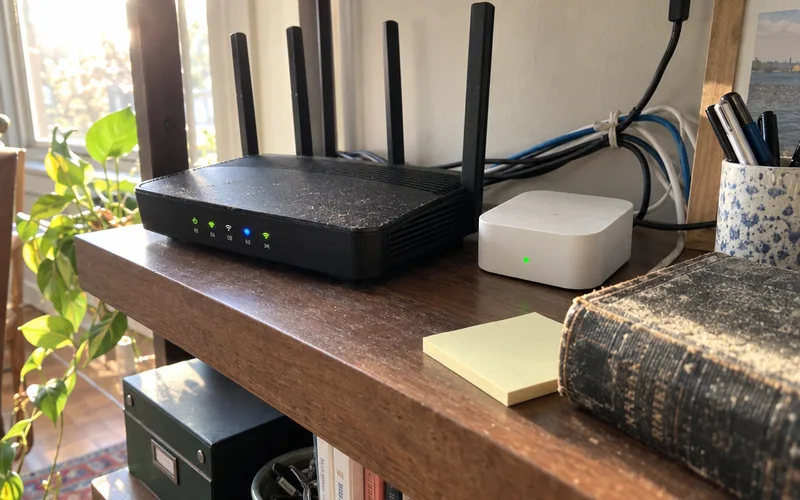
The differences get technical fast, so Zigbee, Z-Wave and Matter each get a side-by-side breakdown of range, power and compatibility.
Matter Ties Different Brands Together
Matter is a newer smart home standard backed by Apple, Google, Amazon and Samsung. It lets one device work with Apple Home, Google Home, Amazon Alexa and Samsung SmartThings.
That matters because older devices often worked with only one brand’s app.
So if you buy a Matter light switch today and switch from Alexa to Google Home next year, the switch can come with you.
Here’s how Matter works in more detail, including what Thread has to do with it.
Schedules, Triggers and Routines
Automation is what makes a connected home act smart, and it comes in 3 forms:
- Schedules run at a set time, like porch lights at sunset or the heat dropping at 10 p.m.
- Triggers run when something happens, like a door sensor opening or motion on the driveway.
- Routines bundle several actions behind one command, like “Good night” locking the door, turning off the lights and lowering the thermostat.
Some apps also use geofencing, which means your phone’s location acts as the trigger.
For example, the house can lock up and turn the lights off once your phone leaves the neighborhood.
Do You Need a Hub for a Smart Home?
A smart home doesn’t need a separate hub if your devices use Wi-Fi, because your router and the phone app handle the connection.
You do need one for Zigbee, Z-Wave or Thread devices, though many smart speakers and displays now have that hub built in.
A hub also helps once you own more than a handful of devices. It puts them in one app and can keep some automations running at home.
To see which boxes do what, browse the smart home hub guides before you buy one.
Smart Home vs. Connected Home vs. Home Automation
A connected home has online devices you control one at a time, each in its own app, while a smart home links them so they work together. Home automation is the set of rules that makes that teamwork happen.
At the other end, CEDIA’s guide points out that a ‘normal’ home won’t use any internet-connected devices, so it misses out on remote control entirely.
Here’s an example of the difference:
In a connected home, you open a camera app to check the porch. Then a lock app for the door, and a thermostat app to warm the house.
In a smart home, unlocking the front door is enough. The entry lights come on, the indoor camera stops recording and the heat kicks on.
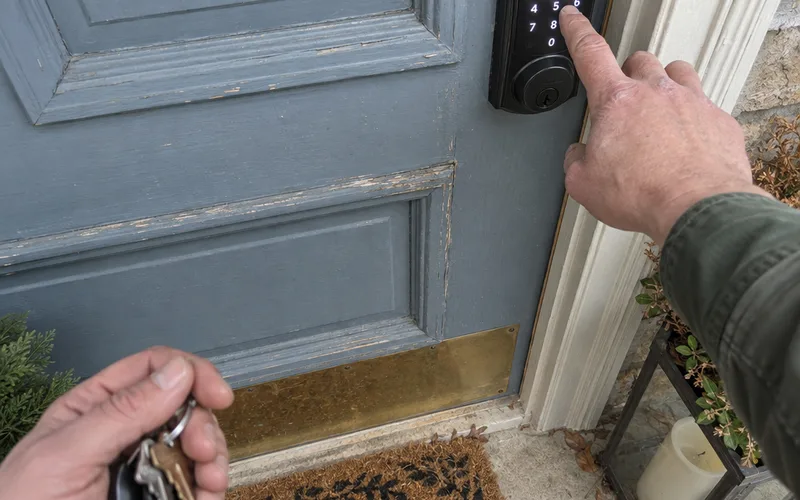
Same devices. Very different experience.
And a “smart house”? In everyday use it means the same thing as a smart home, whether you live in a house, a condo or an apartment.
The rules side of all this has its own depth, and home automation systems cover how those rules, platforms and schedules fit together.
Is Alexa a Smart Home Device?
Alexa is Amazon’s virtual assistant, the voice software inside Echo smart speakers, and it works as a smart home controller. It takes voice commands, runs routines and links smart devices from many brands in one app.
That makes Alexa the “brain” you talk to, not the smart home itself.
The same goes for Google Assistant on Google Nest speakers and Siri on Apple HomePod.
Each assistant listens for voice commands like “turn off the bedroom lights” and passes them to the devices.
Some Echo and Nest models go further. They have a hub for low-power devices built in, so you can skip the separate box.
Which one should you pick?
Start with the phone and services you already use, then weigh Alexa vs. Google Home on device support and routines.
If your household runs on iPhones, Apple Home with a HomePod is the third option worth comparing.
What Living in a Smart Home Looks Like
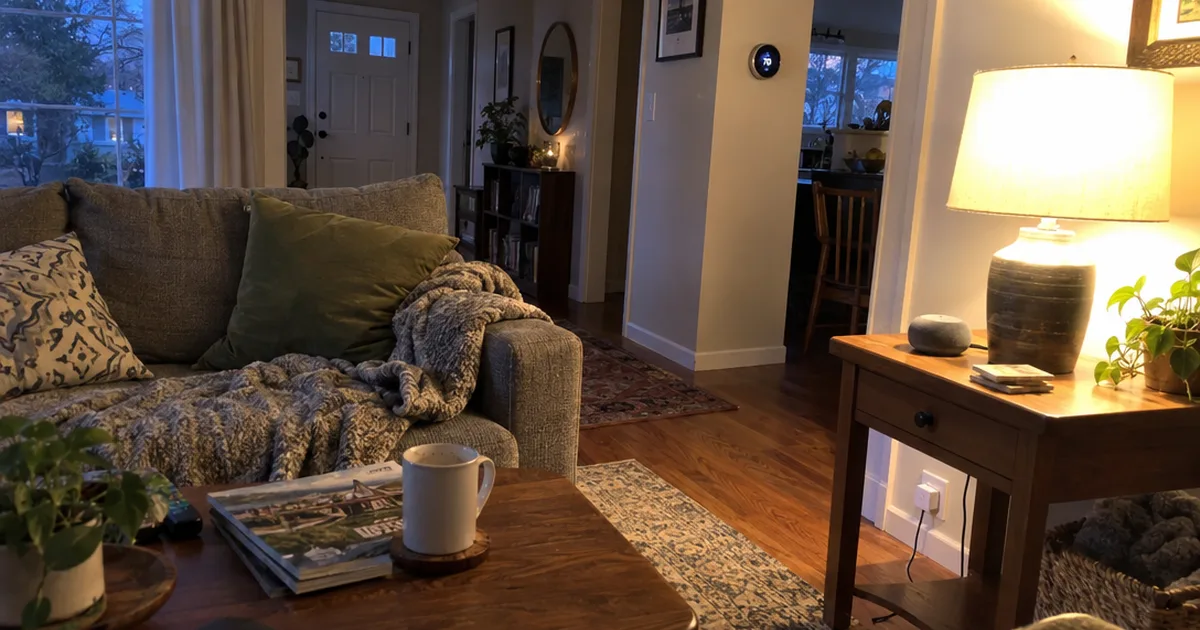
Living in a smart home mostly looks ordinary: the lights, heat and locks do the right thing at the right time. Your phone only pings you when something needs you.
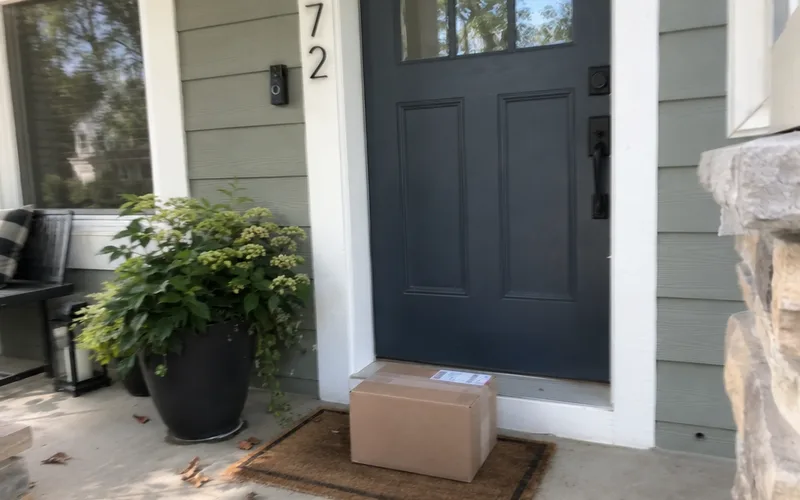
Here’s a made-up weekday in a 2-bedroom apartment with 6 devices. It has a smart thermostat, 2 smart bulbs, a smart plug, a video doorbell and a smart speaker.
- 6:30 a.m.: the thermostat starts warming the place 30 minutes before the alarm goes off.
- 7:45 a.m.: you say “I’m leaving,” and the lights and the coffee maker plug switch off.
- 2:10 p.m.: the video doorbell sends a motion alert, and you tell the delivery driver through the app where to leave the box.
- 6:00 p.m.: the living room lamp turns on at sunset, before you get home.
- 10:30 p.m.: “Good night” turns everything off and drops the temperature.
None of that is flashy.
But it takes a lot of small daily decisions off your plate.
Renters can get most of this without drilling a single hole, and these smart home devices for apartments are picked with leases in mind.
Can a Smart Home Work Without Internet?
A smart home can partly work without internet: devices on a local hub or Matter keep running schedules and responding to switches. But phone control from away, cloud voice assistants and cloud camera recording stop until the connection returns.
That’s the difference between local control and cloud control.
With cloud control, every command goes from your phone to a company server and back. That happens even if you’re standing next to the device.
With local control, the command stays inside your home network, so an internet outage doesn’t break it.
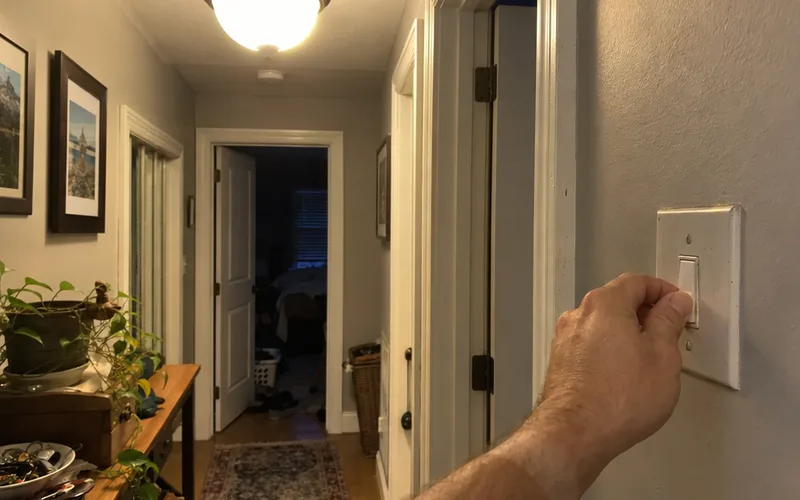
Physical switches and buttons usually keep working either way.
So a smart bulb on a wall switch still turns on, and a smart lock with a keypad still opens with your code.
What does that mean when you shop?
Look for “local control,” Matter support or a hub that runs automations on its own.
Platforms like Home Assistant run every automation on a small computer inside your house, which keeps your routines going during an outage.
Can a Smart Home Be Hacked?
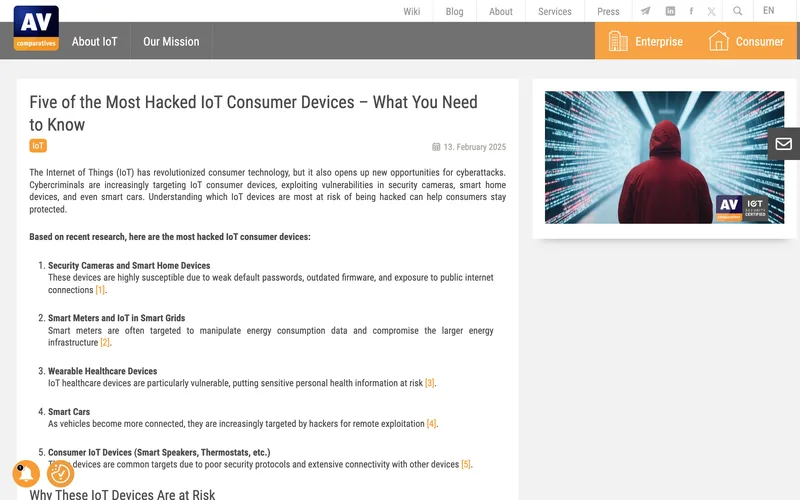
Yes, a smart home can be hacked, and cameras and smart home devices are among the most hacked gadgets people own. AV-Comparatives, an independent security lab, blamed weak default passwords, outdated firmware and exposure to the public internet in a February 13, 2025 report.
The good news is that every cause on that list is something you can fix.
The same lab recommends these steps:
- Change every default password to a strong, unique one.
- Keep firmware and apps updated, or turn on automatic updates.
- Turn off features and remote access you don’t use.
- Put smart devices on their own network, like your router’s guest network, so a hacked plug can’t reach your laptop or mobile phone.
That last step is called network segmentation, and most home routers can do a simple version of it.
Privacy is the other half of the risk.
Cameras, video doorbells and smart speakers collect video, audio and usage data. So before you buy, read what each company stores and who it shares it with.
The smart home network guides go deeper on router setup, guest networks and privacy settings.
What Happens If a Smart Home Company Shuts Down?
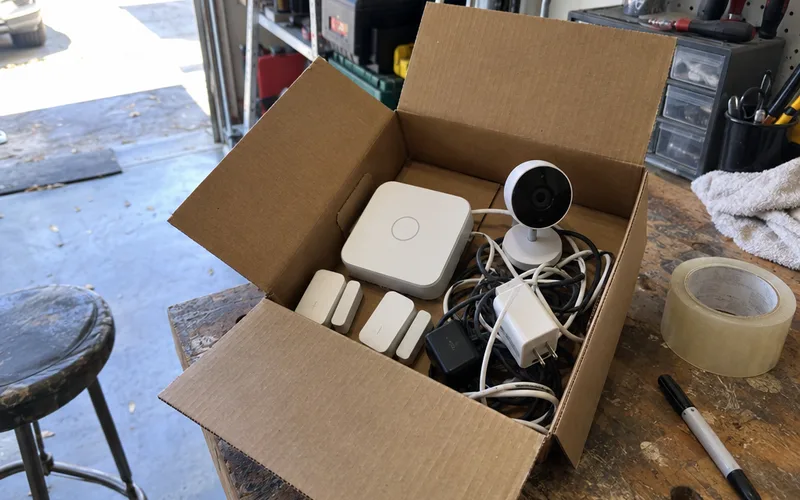
When a smart home company shuts down its service, devices that depend on its servers can stop working for good. Constellation discontinued its Constellation Connect service on November 1, 2025, and its notice says those devices and the My Constellation App no longer work.
The twist?
Constellation’s own smart home explainer still ranked first in our October 2026 searches for this question. And it still ends with an ad for that same service.
That’s not a reason to avoid smart homes.
It’s a reason to avoid devices that only work through one company’s cloud.
Before you buy, check whether a device supports Matter, works locally or works with more than one app.
A device that passes any of those checks has a backup plan if its maker walks away.
Smart Home Benefits and Drawbacks
A smart home’s main benefits are convenience, faster alerts and less wasted energy. The main drawbacks are upfront costs, setup time, security and privacy risks, and leaning on your internet and on each app’s maker.
Here’s the quick version:
- Convenience: control lights, locks and heating from your phone or by voice.
- Alerts: know about a leak, an open garage door or a visitor right away.
- Energy savings: a smart thermostat and scheduled lighting cut energy consumption on heating, cooling and lighting nobody is using.
- Costs: devices cost more than their regular versions, and some need paid installation or a subscription.
- Complexity: more devices mean more apps, more updates and more things to troubleshoot.
- Risk: hacked devices, internet outages and company shutdowns can leave gear exposed or useless.
One easy money move: ask your home insurance company whether it offers a discount for monitored alarms or water leak sensors.
For a deeper look, weigh the full pros and cons before you commit to a whole-home system.
Is a Smart Home Worth It?
A smart home is worth it when it fixes a real daily problem, like forgetting to lock the door or heating an empty house. Buying devices just because they’re new usually isn’t worth it.
Plenty of people have decided it’s worth trying.
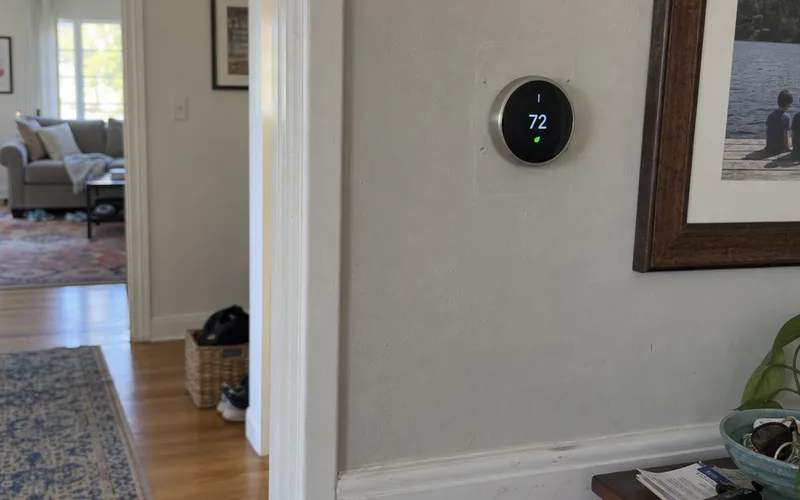
Almost one-fifth of UK homes now have a smart device, according to CEDIA, which values the UK industry at £2.9 billion.
A smart home also pays off for people who can’t easily get up to flip a switch or check the door.
Voice control and remote control can make daily life easier for older adults who live alone, and let family check in from their own phones. If that’s your situation, start with these smart home devices for seniors.
Before you spend anything, answer 3 questions:
- What annoys me every day that a device could handle?
- Will everyone in the house actually use it?
- Does it still work if the internet or the company goes away?
If you can’t answer the first question, wait.
If you can, you’ve found your first device.
How to Start a Smart Home
Start a smart home with one device that solves one real problem, set up in the app or voice assistant you already use. Then build one routine before you buy anything else.
Here’s the order I’d follow:
- Pick your main app. Choose Amazon Alexa, Google Home or Apple Home, based on your phone and the speakers you already own. Apple Home needs an Apple device, like an iPhone.
- Buy one starter device. A smart plug or smart bulb is the low-risk start. A smart thermostat does more for comfort and energy efficiency, but it may need wiring work. Check the smart thermostat installation cost first.
- Run the 3 checks. Make sure the device works with your app or Matter, keeps working locally during an outage and doesn’t lock basic features behind a subscription.
- Secure it on day one. Change the default password and turn on automatic updates.
- Add one routine. A sunset lamp or a “good night” command is enough to see how automation feels.
After that, grow one room at a time with a step-by-step setup plan.
Prefer to learn the basics before buying anything? Online smart home courses teach the setup skills in order.
And if cameras, video doorbells and smart locks are your main reason for going smart, the smart home security guides cover those devices in depth.
The biggest takeaway: a smart home is defined by connection and automation, and both depend on apps and services you should check before you buy.
This week, pick one daily annoyance and find the one device that handles it.
Frequently Asked Questions
How much does a smart home cost?
A smart home costs whatever the devices you choose cost, plus any paid installation, so it can be a single plug-in device or a whole-house system. Plug-in gear like smart plugs, bulbs and speakers needs no installer, while wired devices like thermostats and video doorbells may add labor costs.
What are the advantages of living in a smart home?
The main advantages of living in a smart home are convenience, faster alerts about problems like leaks or visitors, and less energy wasted on lights and heating nobody is using. You also get control from anywhere, so you can lock a door or check a camera from your smartphone.
What are the disadvantages of a smart home?
The main disadvantages of a smart home are upfront costs, setup time, security and privacy risks, and dependence on your internet connection and on the companies that run each app. Many of those risks shrink if you pick devices with local control and keep their firmware updated.
Is a smart house the same as a smart home?
A smart house and a smart home mean the same thing in everyday use: a home with connected devices that you can control remotely and automate. Apartments and condos count too, since the label describes the devices, not the building.