On October 1, 2025, Google swapped out the assistant inside its speakers.
Gemini for Home now replaces Google Assistant on Google’s speakers and displays, Google said at launch. It also upgrades Nest cameras, doorbells and the Google Home app.
That makes buying google smart home devices a different job than it was a year ago.
Below, you’ll see each type of device Google sells, what it does, what works with it and which plan unlocks the new tricks.
Here’s where to jump in:
- Starting from zero with an Android phone? Read the speakers and displays section first.
- Already own Nest gear from years ago? Skip to the section on what Google discontinued.
- Torn between Google and Amazon? The Alexa comparison near the end settles it.
What Smart Home Devices Does Google Make?
Google makes six kinds of smart home devices under the Google Nest brand and its own name. They are smart speakers, smart displays, thermostats, cameras and doorbells, Chromecast streamers and Google Wifi routers.
Every one of them is set up and controlled in the Google Home app on your phone.
The brand history explains the naming mess.
Google bought Nest in 2014, when it sold just two products, The Verge’s history of the platform recounts. Those were the Nest Learning Thermostat and the Nest Protect smoke and carbon monoxide detector.
Nest bought the camera maker Dropcam the same year, which is why Google’s cameras still carry the Nest name.
In 2019, Google moved Nest under its own name, so “Google Nest” is now the hardware brand and “Google Home” is the app and platform.
Here’s how the lineup breaks down:
| Category | Google models | Best for |
|---|---|---|
| Smart speakers | Google Home Speaker, Nest Mini, Nest Audio | Voice control and music |
| Smart displays | Nest Hub, Nest Hub Max | Touch control and camera views |
| Thermostats | Nest Learning Thermostat, Nest Thermostat | Heating and cooling schedules |
| Cameras and doorbells | Nest Cam, Nest Doorbell | Alerts and video at the door |
| Streaming | Chromecast with Google TV | Camera feeds on your TV |
| Networking | Google Wifi | Mesh Wi-Fi for every room |
Most homes don’t need every row. A speaker or display is where nearly every Google smart home starts, because the other gadgets answer to it.
Google Nest Speakers and Displays
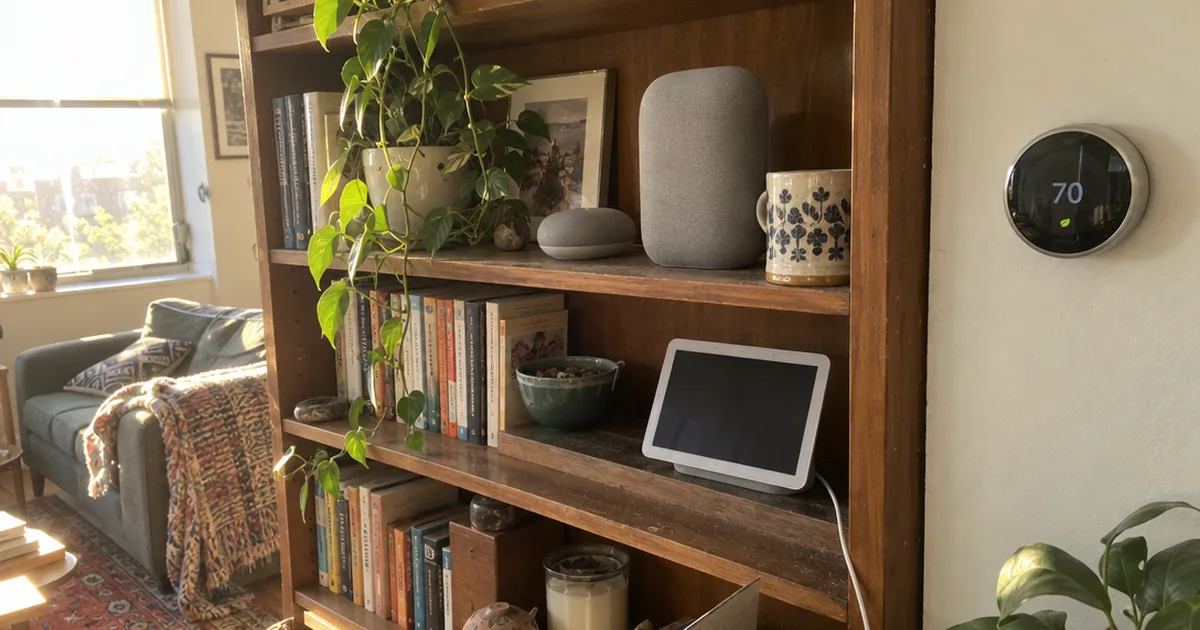
Google Nest speakers and displays are the voice controllers of a Google smart home. You talk, and they switch lights, set the thermostat and play music.
A speaker is voice-only, while a display adds a touchscreen for controls, photos and camera feeds.
So which one fits you?
If you’ll mostly ask for weather, timers and music, a speaker does the job. If you want to see your doorbell or tap lights on and off, a display earns its spot beside your smart kitchen appliances.
Google Home Speaker
The Google Home Speaker is Google’s newest smart speaker. Google calls it the first audio device built specifically for Gemini, made for more natural conversations.
Google announced it on October 1, 2025, alongside new Nest Cams and a new Nest Doorbell.
For the full picture on sound and setup, the Google Home Speaker review goes model by model.
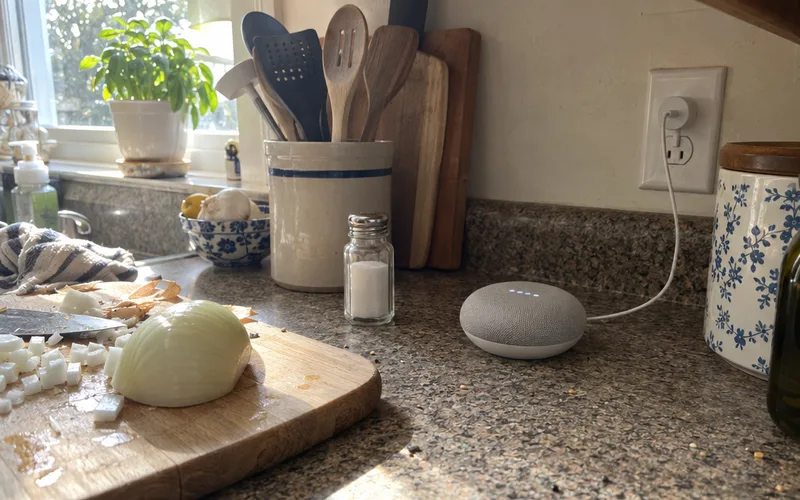
The older Nest Mini and Nest Audio still work as extra speakers in other rooms. The Mini fits a bedroom or office, while the Nest Audio’s sound suits a living room.
Nest Hub and Nest Hub Max
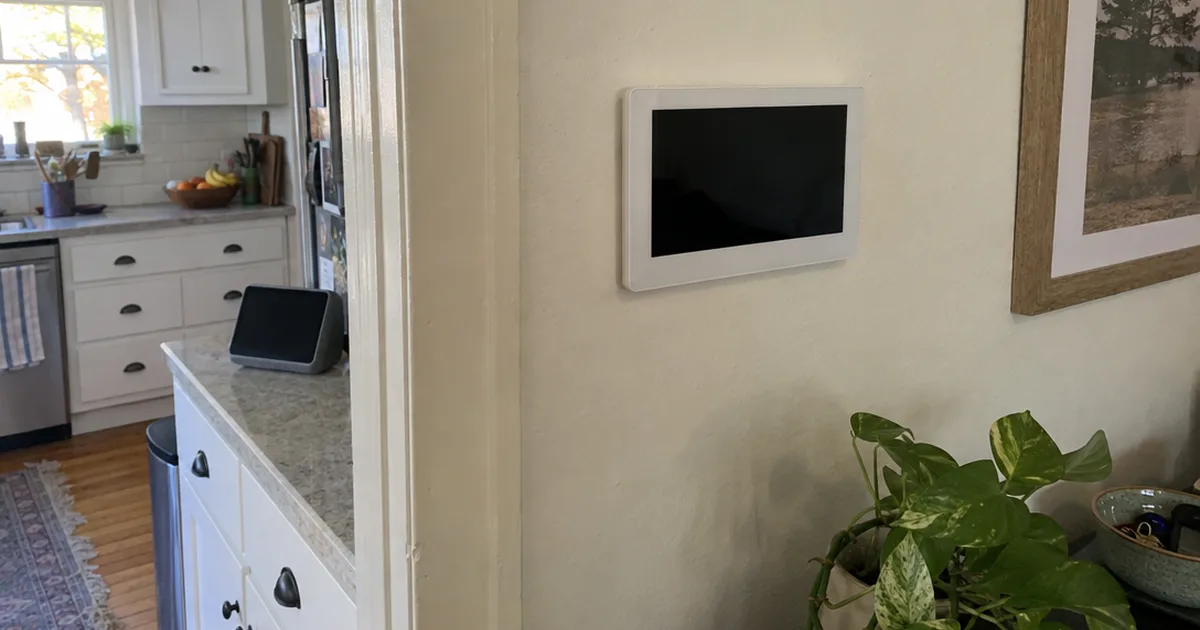
The Nest Hub and Nest Hub Max are Google’s smart displays, which are speakers with a touchscreen. They show your devices, so you can adjust them when your phone isn’t handy.
The Hub Max is the larger model. One 2023 review found its sound and screen good enough to win over a reviewer who dislikes smart displays.
That review also points out a handy pairing: you can control your thermostat right from the display.
If the bigger screen tempts you, the Nest Hub Max review covers what the extra size gets you.
And if you’re also eyeing Amazon’s screens, compare the Nest Hub against Echo Show before you pick a side.
Nest Thermostats
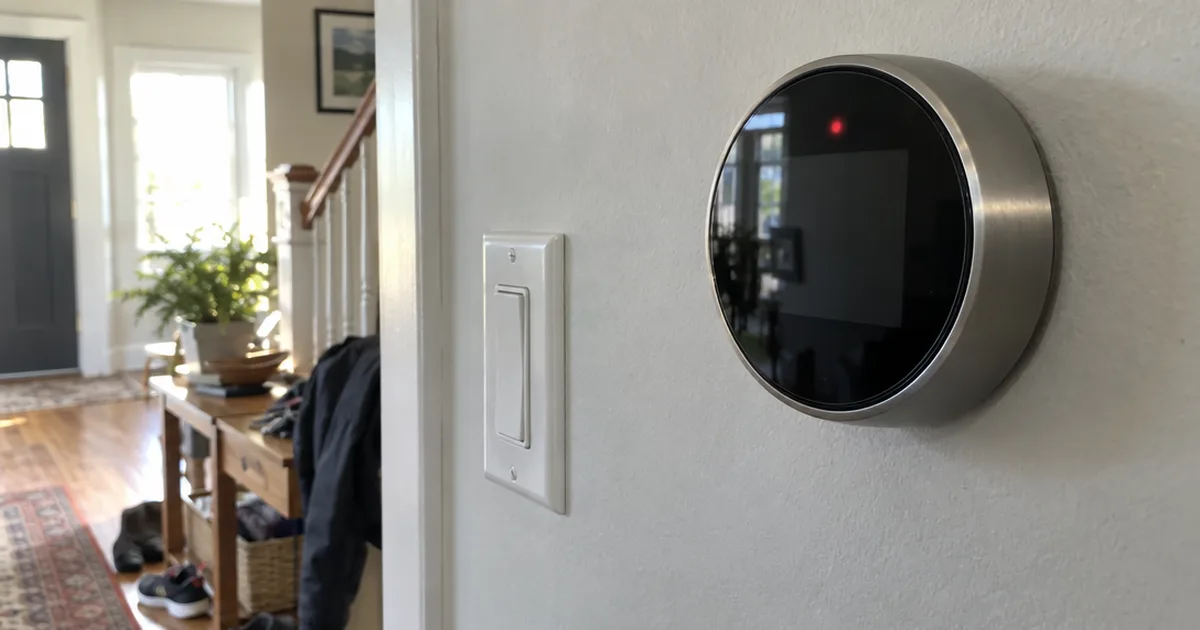
Nest thermostats are Google’s smart thermostats, led by the Nest Thermostat and the Nest Learning Thermostat. You run both from the Google Home app or by voice.
The Learning Thermostat was one of Nest’s two original products in 2014, so it’s the device the whole brand grew from.
Not every model is still on shelves.
The Nest Thermostat E has been discontinued in the US, The Verge reported in 2023, though you may still find one at a retailer. The same report noted the Nest Thermostat was being updated to support Matter.
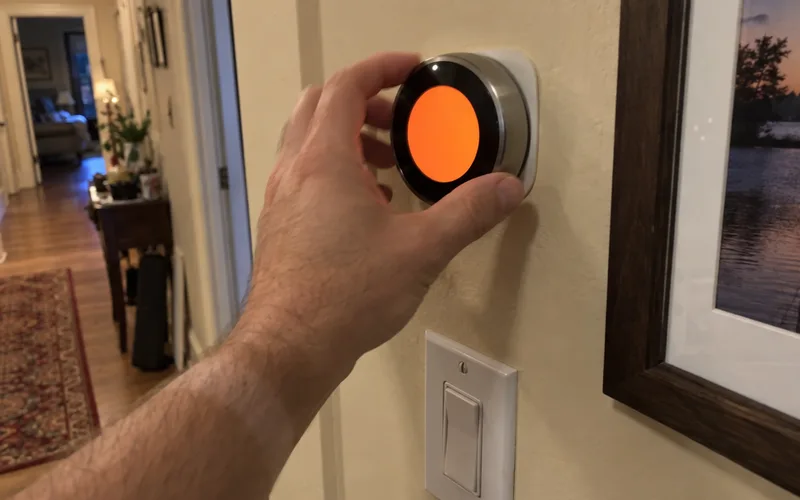
A thermostat runs your heat and air conditioning, so it touches every room in the house. That’s also why wiring matters: check your system before you buy, and use the Nest thermostat guides to match a model to your HVAC.
Once one is installed, most problems are fixable from the app. Start with Nest thermostat troubleshooting for heat and cooling issues, or fix the app connection if the thermostat drops out of Google Home.
Nest Cameras and Doorbells
Nest cameras and doorbells are Google’s home security devices. The newest Nest Cams and Nest Doorbell, announced in October 2025, were built to take full advantage of Gemini for Home.
Google says these new models have its best image quality ever, which feeds the technology that describes what the camera sees.
That matters for one practical reason: alerts.
A camera that only says “motion detected” makes you open the app every time. A camera that describes what it saw tells you whether the clip is worth opening.
Here’s the catch: the most advanced camera features sit behind Google Home Premium, covered in the subscription section below.
Older Nest Cams and doorbells don’t stop working when new ones launch. Google says its redesigned Google Home app has full controls for previous generations of Nest cameras, doorbells, thermostats and locks.
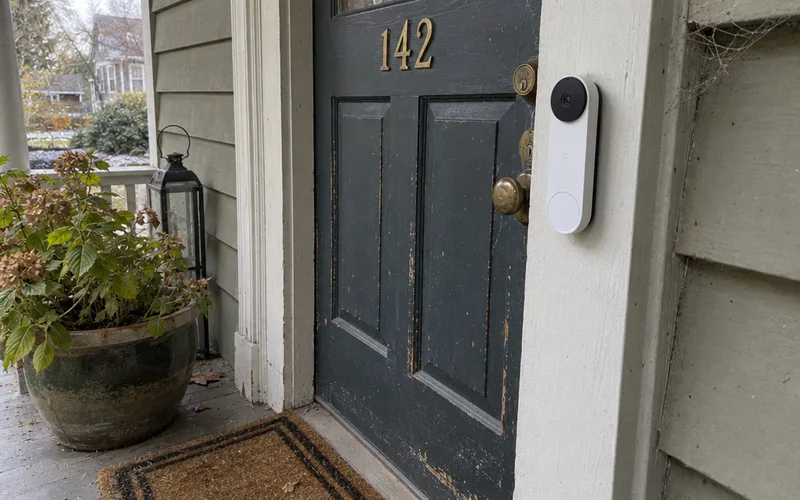
If you’re comparing Google’s cameras with other brands, the security camera guides weigh the options side by side.
Chromecast and Google Wifi
Chromecast with Google TV and Google Wifi are the two Google devices that support the rest of the smart home rather than control it.
Chromecast with Google TV can show your Nest camera or doorbell feed on your TV. Its remote also takes Google Assistant voice commands for shows.
That’s useful when someone rings the bell during a movie.
Google Wifi is Google’s mesh router system. A mesh router uses several units around the house to spread one Wi-Fi network into every room.
Why does that matter for a smart home? Every Wi-Fi plug, bulb and camera depends on a steady signal, so a weak signal is a common reason devices “randomly” go offline.
So if your gadgets keep dropping, fix your home network before you blame the device.
What Smart Home Devices Work With Google Home?
Google Home works with plugs, bulbs, locks and cameras from brands like Philips Hue, TP-Link, Wyze, Yale and August. Look for “Works with Google Home” or the Matter logo on the box.
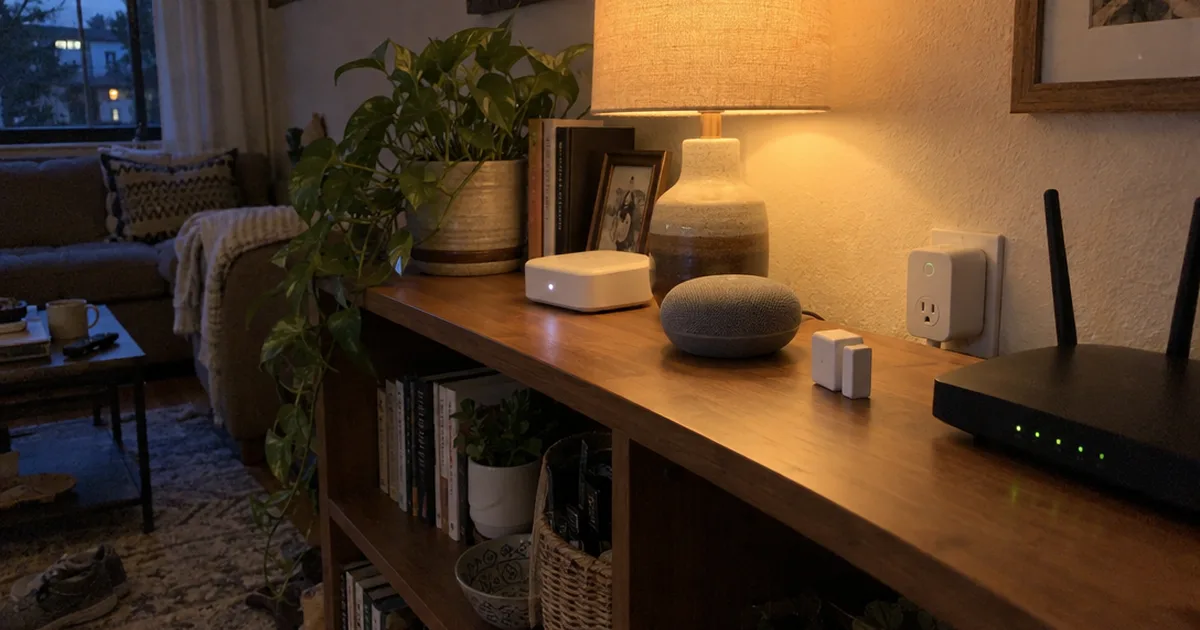
Most of these smart plugs, bulbs and sensors connect over Wi-Fi to your router, so they need no extra hub.
Matter is the bigger story. This shared standard lets one device work with Google Home, Apple Home, Amazon Alexa and SmartThings, so you aren’t locked into one ecosystem.
The Google Home app added Matter support, including on an iPhone running iOS 16.5, The Verge reported in June 2023.
In fact, you may already own something compatible. One reviewer’s 2023 setup ran Wyze lights and an older Wyze Cam alongside Google’s own Nest gear.
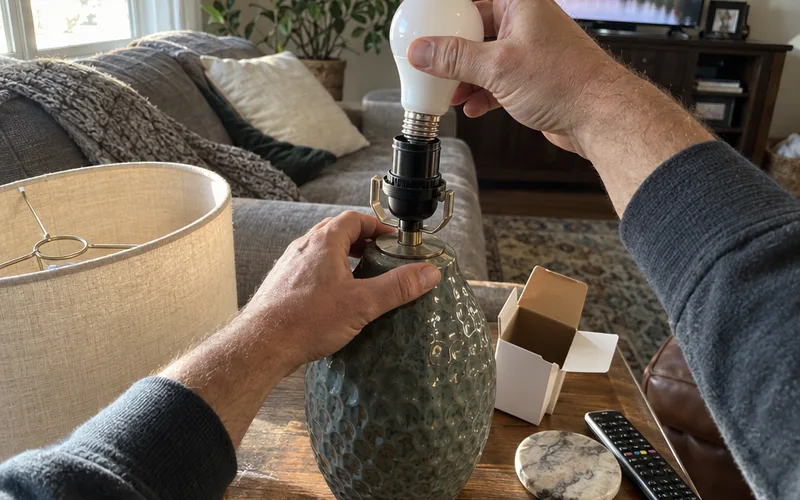
Smart lighting is the easiest first add-on, and the best smart lights for Google Home narrow the field. Garage doors are another popular target, so check the garage door openers for Google Home if yours is on the list.
Do You Need a Hub for Google Home?
Google Home needs no separate hub for Wi-Fi devices, because they talk straight to your router. Matter devices use a Google Nest speaker or display as their hub.
A Nest Hub Max, for example, can serve as the Matter hub for a whole house.
That’s one more reason to start with a speaker or display: it covers voice control and Matter at once.
The radio side gets technical fast, since Matter runs over Wi-Fi and Thread while many older bulbs use Zigbee. The smart home protocols explainer and the walkthrough of how Matter works show why Matter devices act differently.
For the wider question of which hub to build around, the smart home hub guide compares Google with Apple, Amazon, SmartThings and Home Assistant.
Does Gemini Replace Google Assistant?
Gemini for Home is Google’s new smart home AI, and it replaces Google Assistant on Google’s speakers and displays. Google announced it on October 1, 2025, along with upgrades for cameras, doorbells and the Google Home app.
Google began rolling it out that month in early access.
So what does that change for you?
Google says the goal is moving from simple commands to natural conversation. Instead of memorizing exact phrases, you can ask the way you’d ask a person.
Google also tuned Gemini for the way a home works: several people use it, often while moving around and getting things done.

Google admits the old smart home felt transactional and seldom understood your context, which is the gap Gemini is meant to close.
The launch came with three other changes:
- A redesigned Google Home app that Google calls faster and more reliable, with one place to manage the whole home.
- New hardware built for Gemini, including the Google Home Speaker, Nest Cams and Nest Doorbell.
- Google Home Premium, a whole-home plan that turns on Gemini for Home features for your devices.
Your wake words don’t change. You still start a command with “Hey Google” or “OK Google.”
The takeaway? If you’re buying today, favor devices Google built for Gemini, so you get the new features without replacing hardware later.
Do Google Nest Devices Need a Subscription?
Google Nest devices work without a subscription for everyday control. Google Home Premium unlocks the Gemini for Home features, and Google’s AI plans page values it at $10 or $20 a month, by tier.
Event history matters most if you own Nest cameras or a doorbell.
Here’s how the two tiers differ, according to Google’s AI plans page:
- Google Home Premium Standard: valued at $10 a month, with 30-day event history and Gemini features. It’s included with the Google AI Pro plan.
- Google Home Premium Advanced: valued at $20 a month, with 24/7 event history, Gemini features and event descriptions. It’s included with the Google AI Ultra plan.
Here’s the math on those values: a year of Standard works out to $120, and a year of Advanced to $240.
That’s real money for a feature you may only use when something happens at the door, so decide what you need before you subscribe.
Event history is the record of camera and doorbell clips you can scroll back through. Event descriptions are the written summaries of what a camera saw.
In other words, Standard fits you if a month of clips to look back on after an alert is enough. Advanced suits you if you want round-the-clock history and a written summary of every event.
If you already pay for Google AI Pro or Ultra, check your plan before buying Home Premium separately, because it may already be included.
Routines and Automation in the Google Home App
Google Home routines are automations that run several devices from one voice command, a schedule or a device event. Say “Hey Google, goodnight,” for example, and the lights dim while the thermostat drops.
One routine can change the thermostat, lights and garage door all at once.
Schedules work too. For example, a routine can open your shades and turn off the outdoor lights at sunrise, with no voice command at all.
The best part?
Since a 2023 update, routines can also start “when a device does something,” so a camera or motion sensor spotting movement can switch on a light.
That’s where a Google smart home starts saving you real effort. Set up your first few with the Google Home routines guide, and if one stops firing, work through the routine fixes.
Once the basic builder feels limiting, the Google Home app’s script editor for automations lets you write more detailed rules.
Google Home on iPhone and Android
Google Home works on both iPhone and Android. Android phones control your devices directly, and iPhone owners use the Google Home app.
Either way, a Nest speaker or display adds hands-free voice control on top.
iPhone owners have one extra perk. The Google Home app supports Matter on iPhone, so a Matter device can join Google Home and Apple Home at the same time.
What about computers? The walkthrough on Google Home for Windows 11 shows what you can and can’t control from a PC.
So your smartphone isn’t a dealbreaker. Pick Google Home for the devices and assistant you like, not for the phone in your pocket.
Setting Up and Fixing Google Smart Home Devices
Google Home devices are set up in the Google Home app. It finds new devices nearby, often over Bluetooth, then walks you through joining each one to Wi-Fi and putting it in a room.
Most setup problems come down to the network, not the device.
If a speaker or display won’t join, start with the steps to connect Google Home to Wi-Fi. Check that your phone is on the same network, then retry.
When a device is truly stuck, resetting it wipes it back to factory settings so you can start fresh. The guide to factory resetting a Nest Mini covers the button steps.
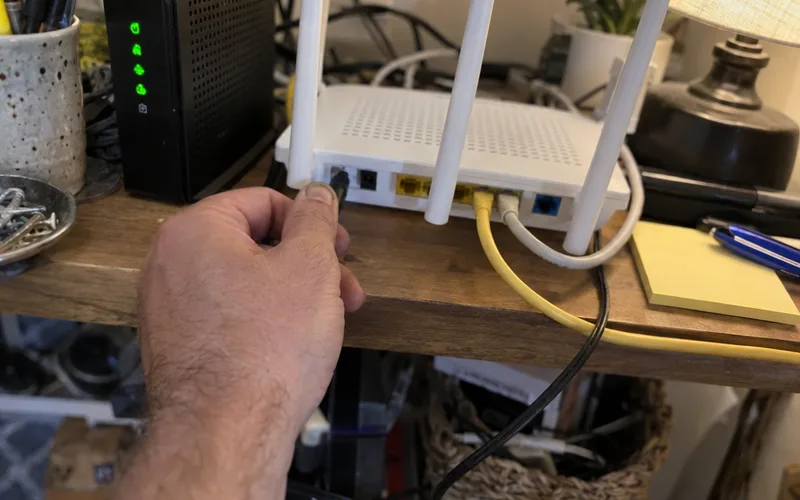
Here’s a quick order to follow before you reset anything:
- Restart the device by unplugging it for a few seconds.
- Restart your router, since a stuck router knocks every device offline.
- Open the Google Home app and check whether the device shows as offline.
- Reset the device only if it still won’t respond.
Note: Resetting erases the device’s settings, so you’ll need to set it up and rejoin it to your routines afterward.
Is Google Discontinuing Nest?
Google is not discontinuing the Nest brand, because its October 2025 cameras and doorbell launched as Nest products. It has retired several older Nest devices and services, though.
Here are the ones The Verge tracked:
- Nest Secure: the alarm system was discontinued, and it lost support in the Nest app starting in 2024.
- Dropcam: the original Dropcam cameras, which Nest bought in 2014, were retired alongside Nest Secure.
- Works with Nest: the old third-party partner program ended when Nest moved under Google, which cut off some integrations.
- Nest Thermostat E: discontinued in the US.
The Nest Secure also drew privacy concerns when an undisclosed microphone turned up inside the system. That episode is a good reminder to check what information every microphone and camera you bring home collects, then review its privacy settings.
So if you’re shopping now, buy current models that work in the Google Home app, not leftover stock of discontinued gear.
Google Home vs. Amazon Alexa
Google Home suits Android homes and people who want natural conversation. Amazon Alexa makes more sense if your home already runs on Echo speakers.
Between these two voice assistants, the real decision usually comes down to what you already own.
For example, The Verge’s reviewer had tested Alexa, Google Assistant and Siri for years by 2023. Google Assistant felt the most natural at answering general questions.
That edge should matter even more now, since Google built Gemini for Home around natural conversation instead of fixed commands.
Amazon’s own Echo speakers and displays, and how Alexa runs them, are covered in the Amazon Alexa guides.
If you’re still on the fence, the full Alexa vs. Google Home comparison puts the two platforms side by side.
Key Takeaway: Pick the assistant that matches the speakers and phone already in your house, because switching later means replacing your controllers.
Which Google Smart Home Device Should You Buy First?
The first Google smart home device most people should buy is a Nest speaker or display. It gives you voice control, acts as the Matter hub and runs the routines that tie everything together.
Here’s what I’d do:
- Start with one speaker or display in the room you use most, often the kitchen.
- Add two or three Wi-Fi plugs or bulbs so your first routine has something to control.
- Add a Nest thermostat if your system’s wiring supports it, since heating and cooling touch every room.
- Add a camera or doorbell last, once you’ve decided whether Home Premium fits your budget.
That order keeps your first spend small and tests the Wi-Fi before you add the devices that depend on it most.
Pro Tip: Before you buy anything third-party, look for “Works with Google Home” or the Matter logo on the box.
The Bottom Line
Google smart home devices all meet in one place: the Google Home app.
Buy a speaker or display built for Gemini first, then add plugs, a thermostat and cameras around it.
This week, pick the one room you’ll start in and put a speaker there.
Frequently Asked Questions
What is the newest Google Home device?
The Google Home Speaker is the newest Google Home device for voice control, announced on October 1, 2025 alongside new Nest Cams and a new Nest Doorbell. Google calls it the first audio device built specifically for Gemini.
What's smarter, Alexa or Google?
Google is the smarter assistant for open-ended questions in The Verge’s long-term testing of Alexa, Google Assistant and Siri, and Gemini for Home now replaces Google Assistant on Google’s speakers. Alexa still makes more sense if your home is already full of Echo devices.
How much does Google Home Premium cost?
Google Home Premium comes in two tiers, and Google’s plans page values Standard at $10 a month and Advanced at $20 a month. Both are included free with Google’s AI Pro and AI Ultra plans.
Do old Nest devices still work with the Google Home app?
Yes, older Nest devices still work with the Google Home app, because Google says its redesigned app has full controls for previous generations of Nest cameras, doorbells, thermostats and locks. The old Nest Secure alarm is the exception, since Google discontinued it.
Do Google smart home devices work with Apple Home?
Google smart home devices work with Apple Home only when they support Matter, the shared standard that lets one device join several platforms. Check the box or product page for the Matter logo before you buy.